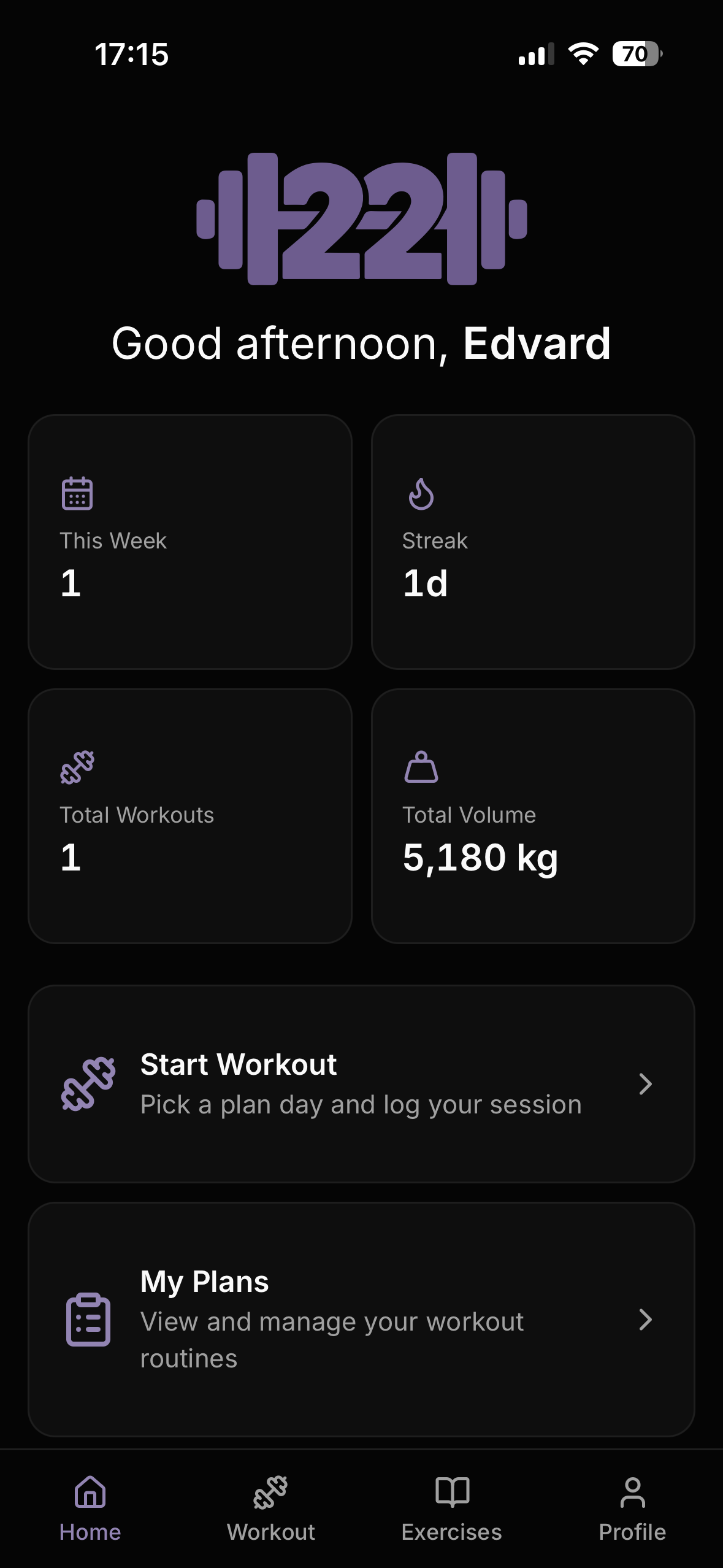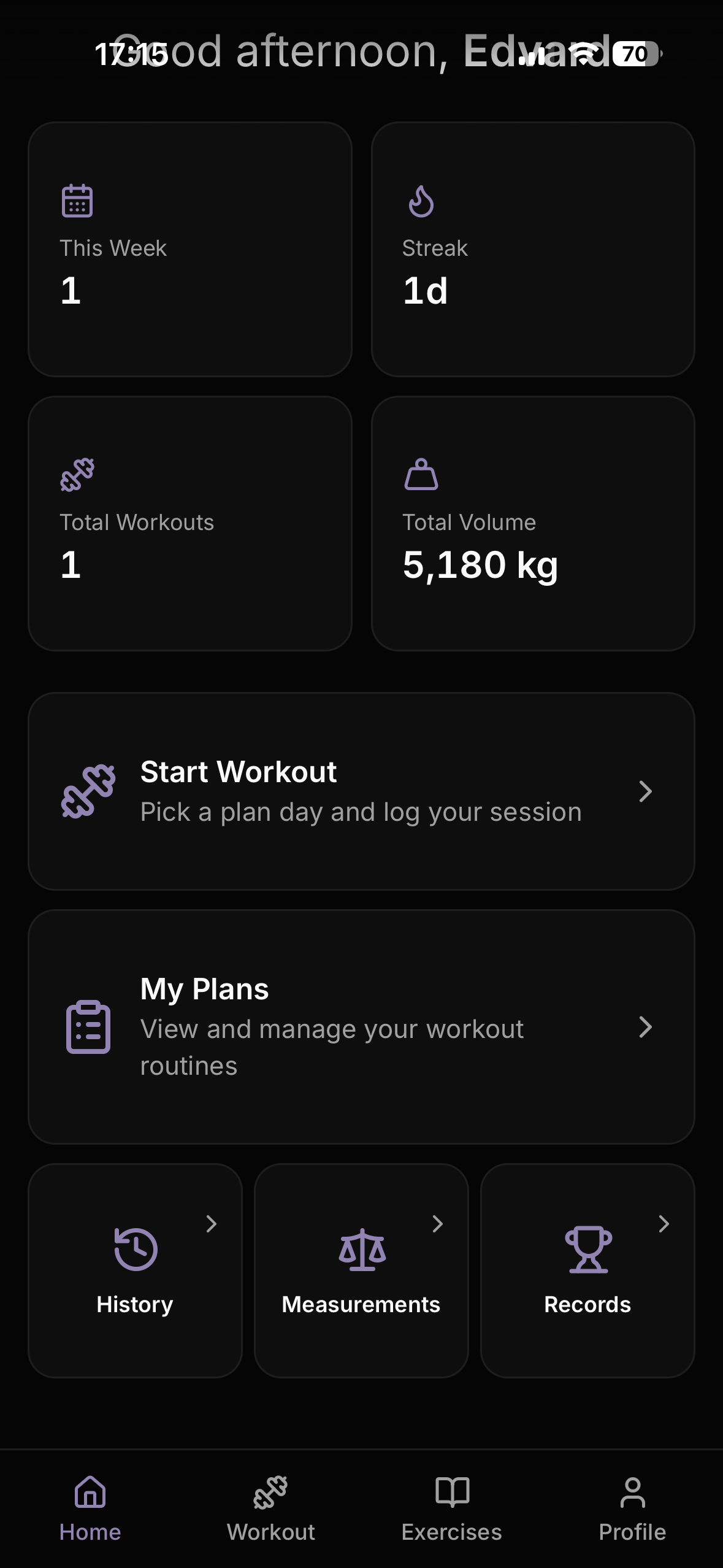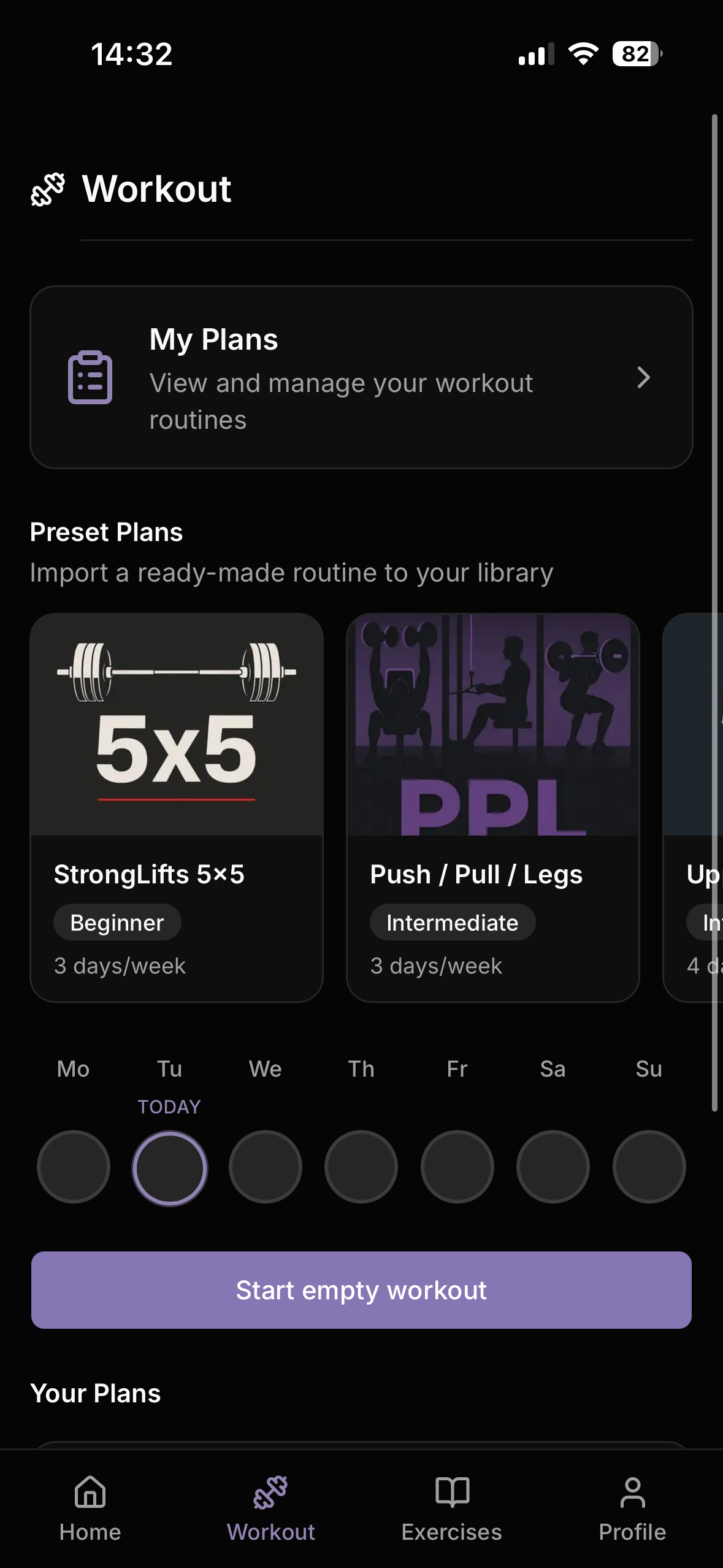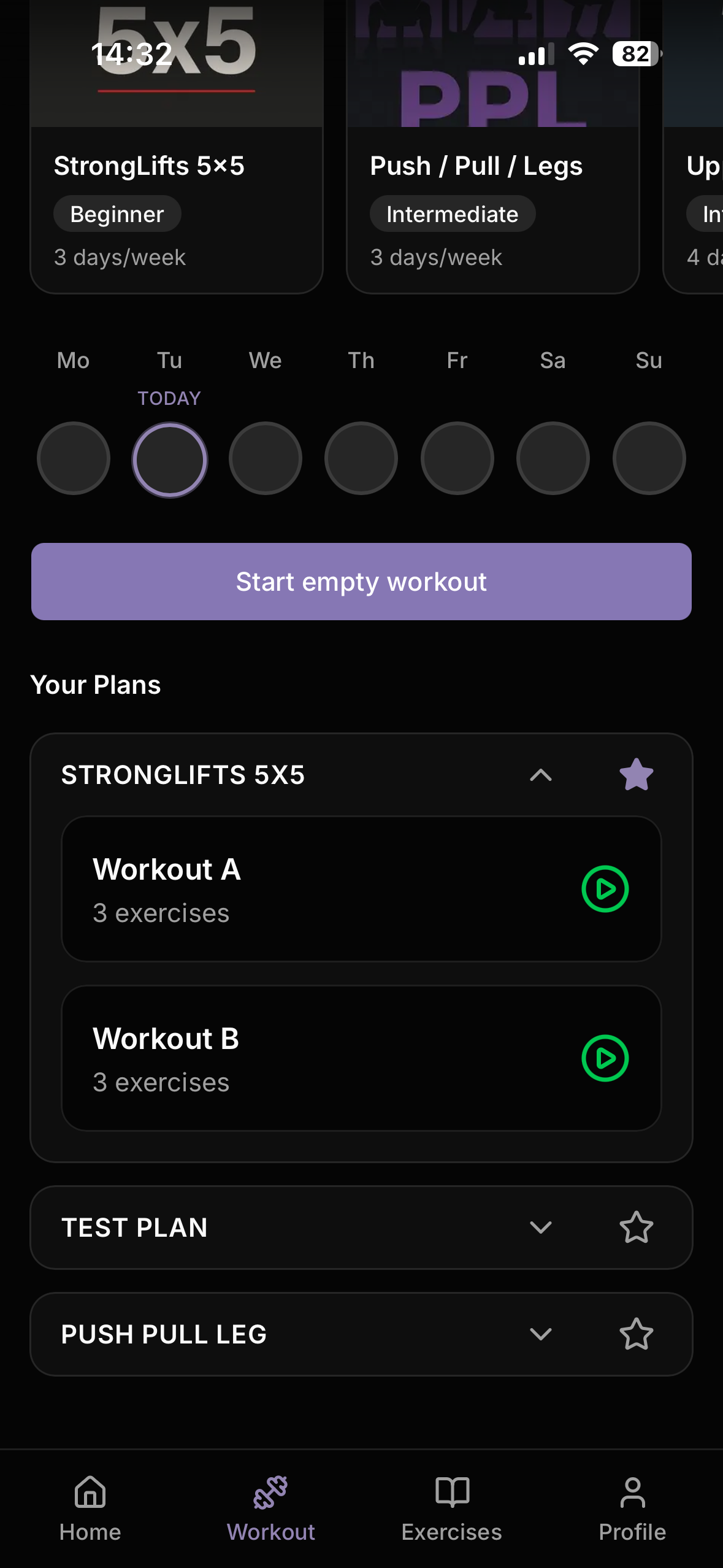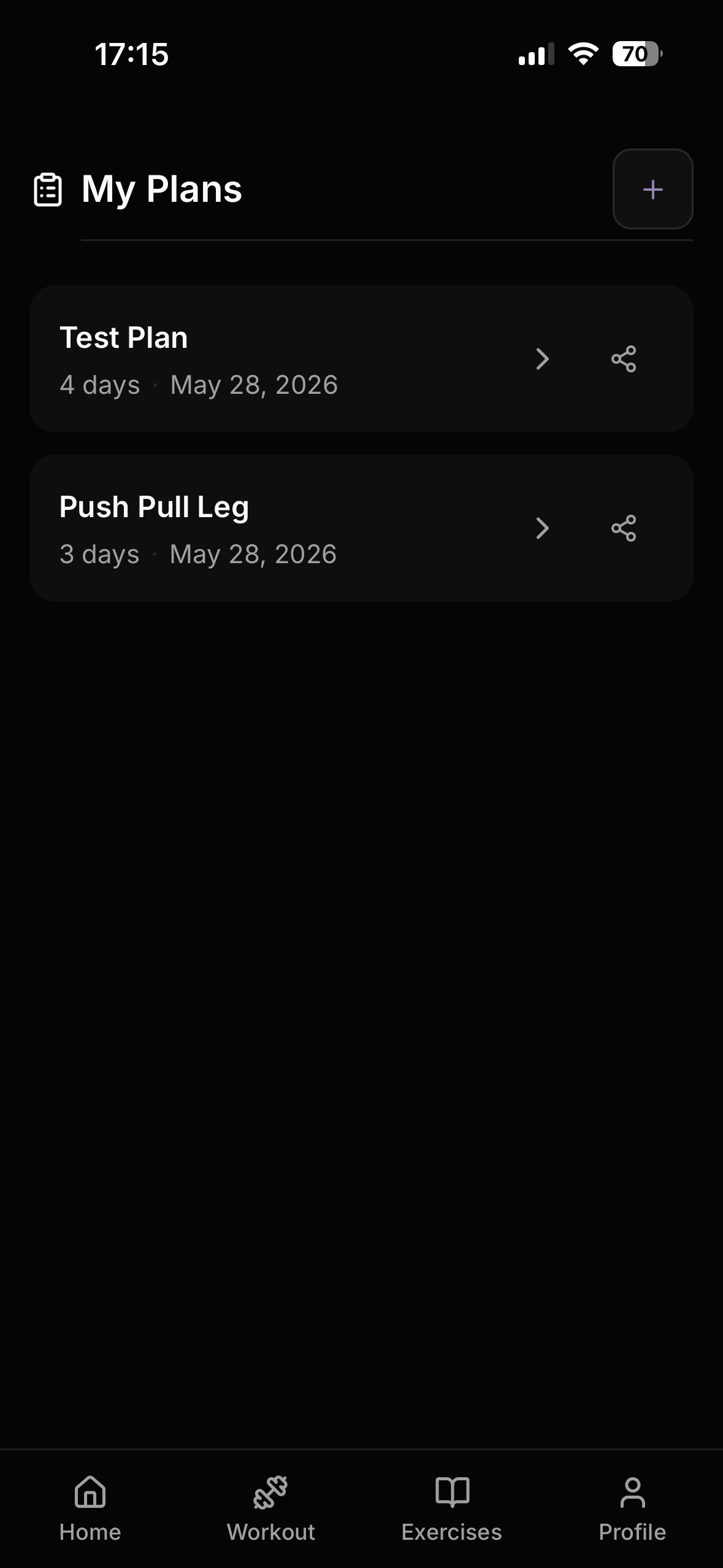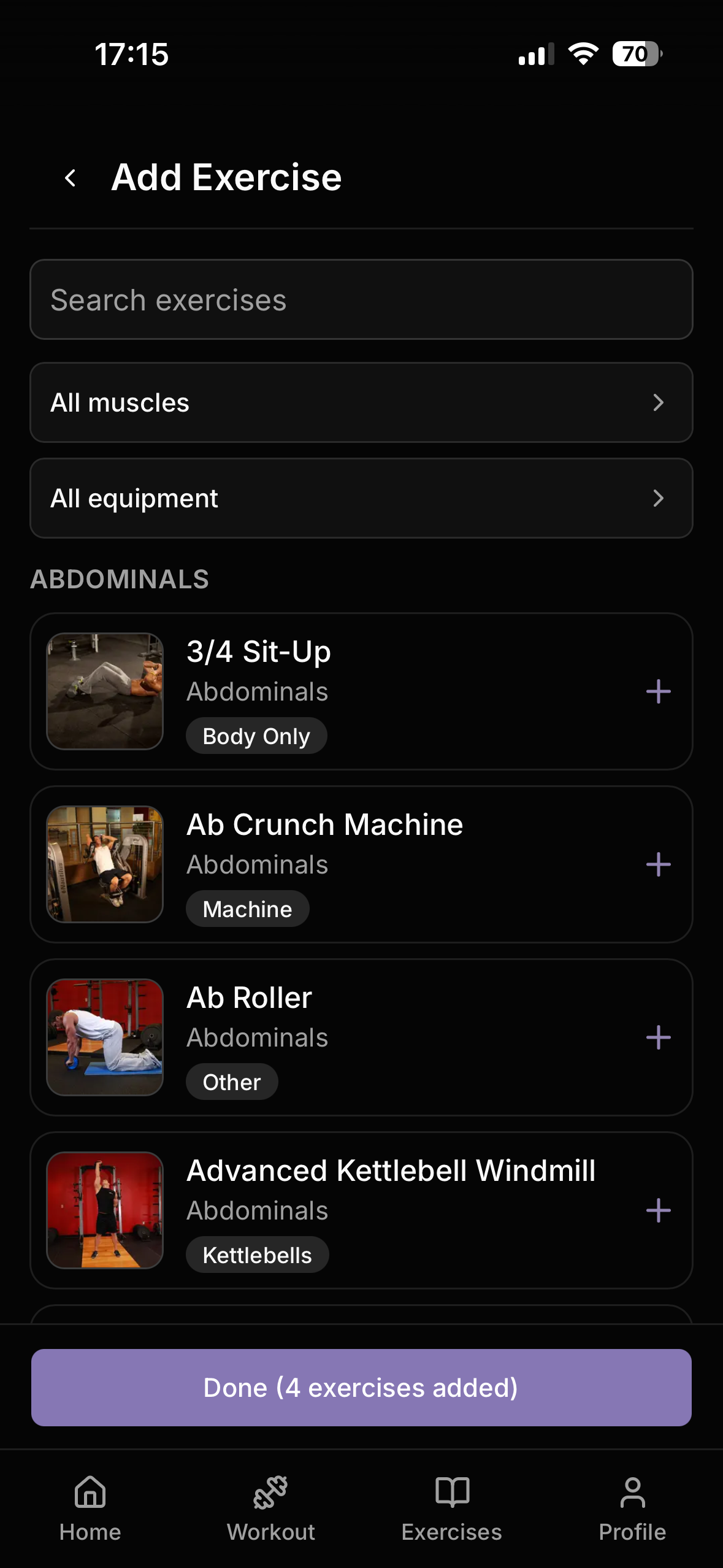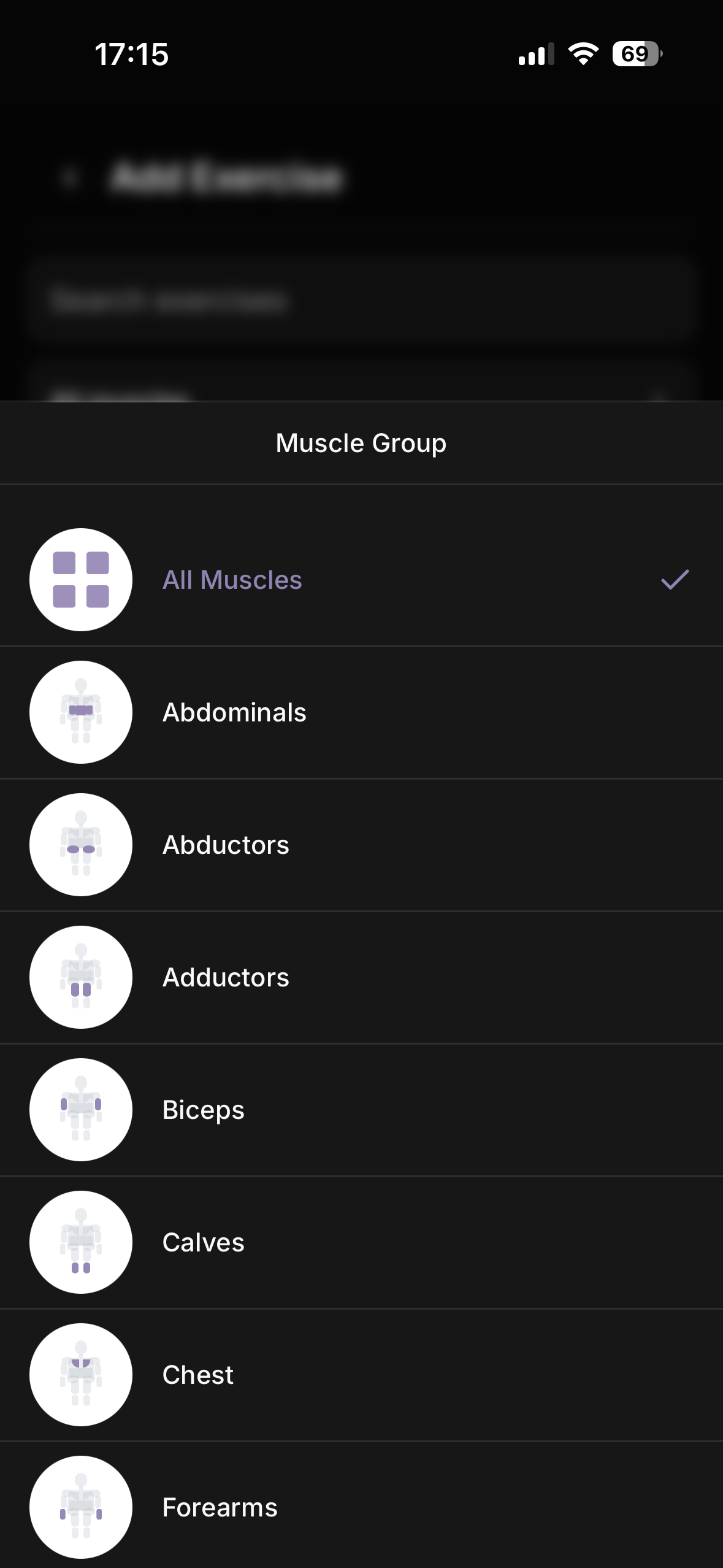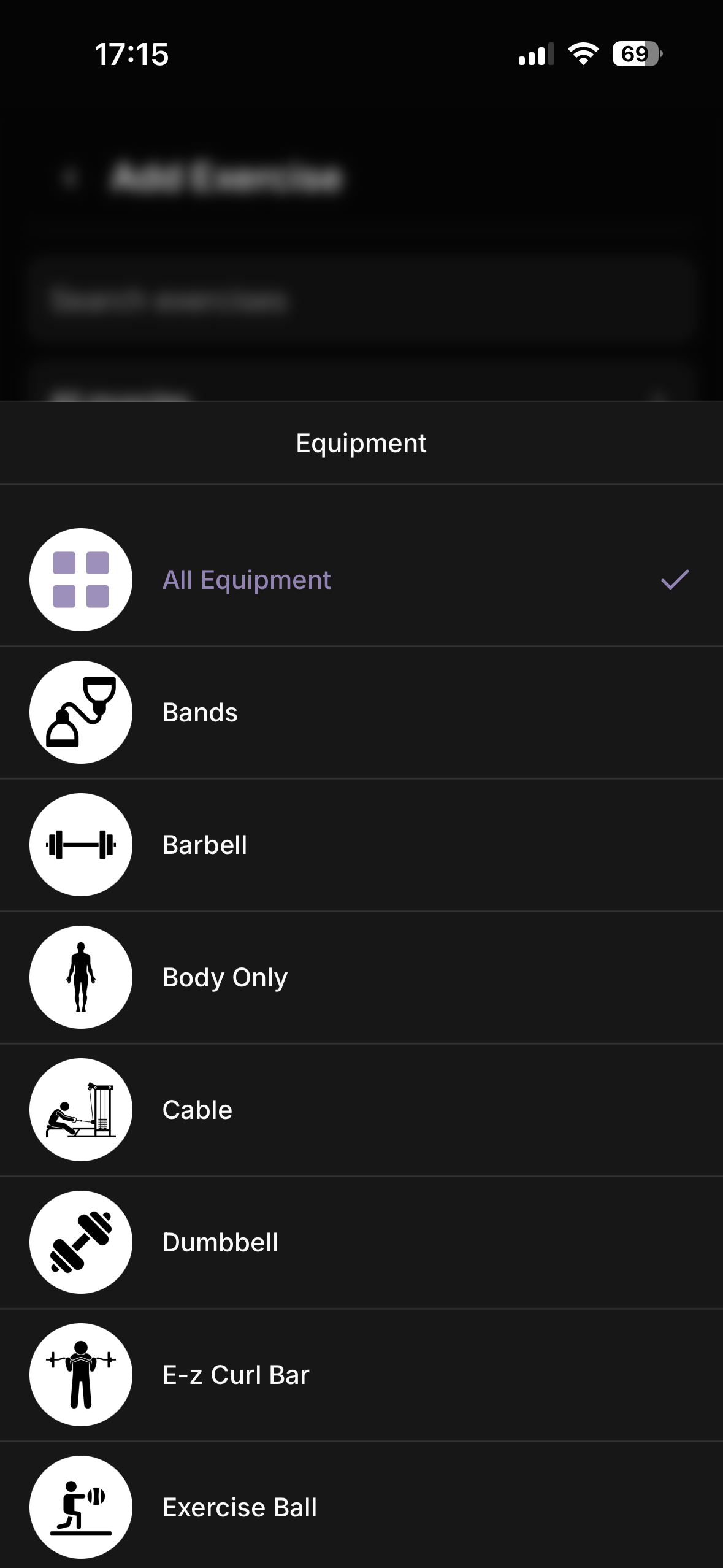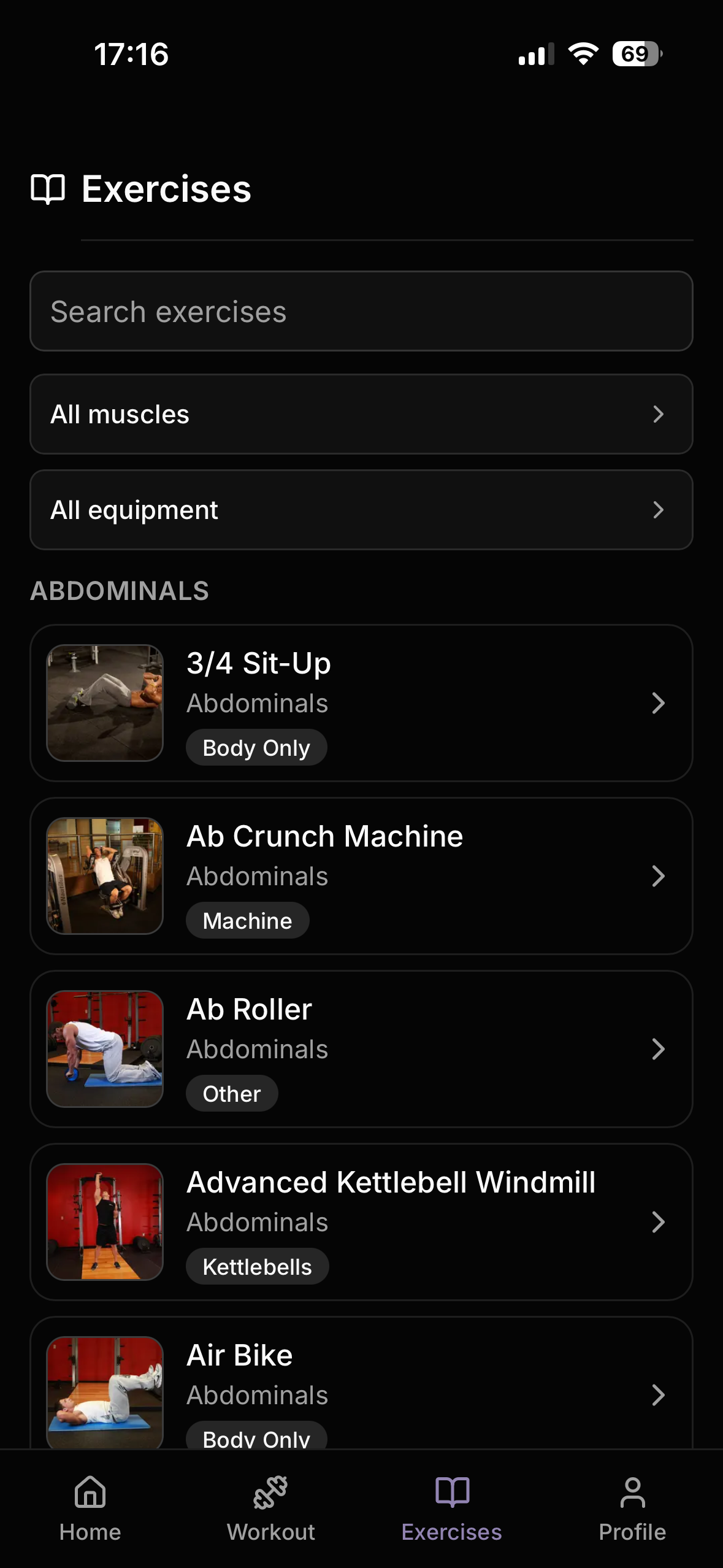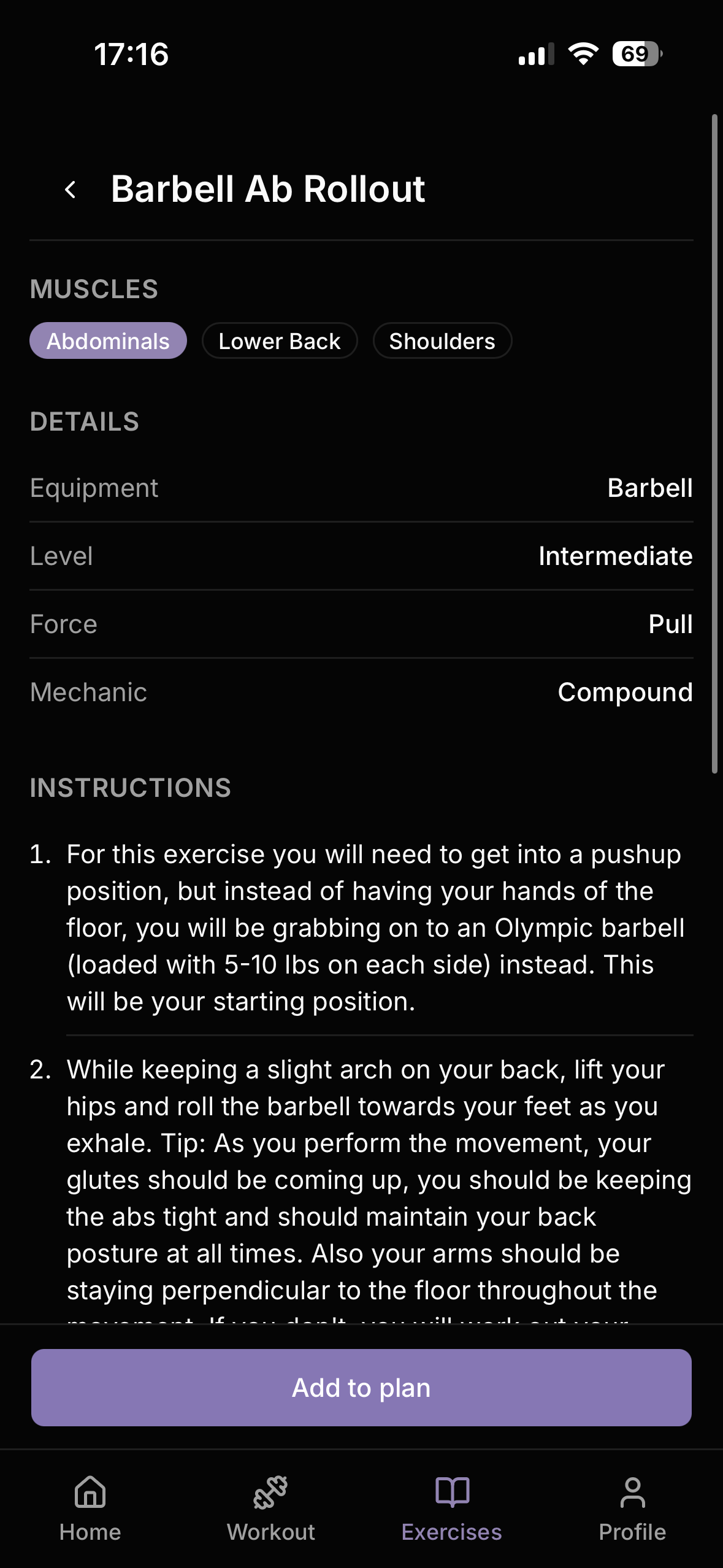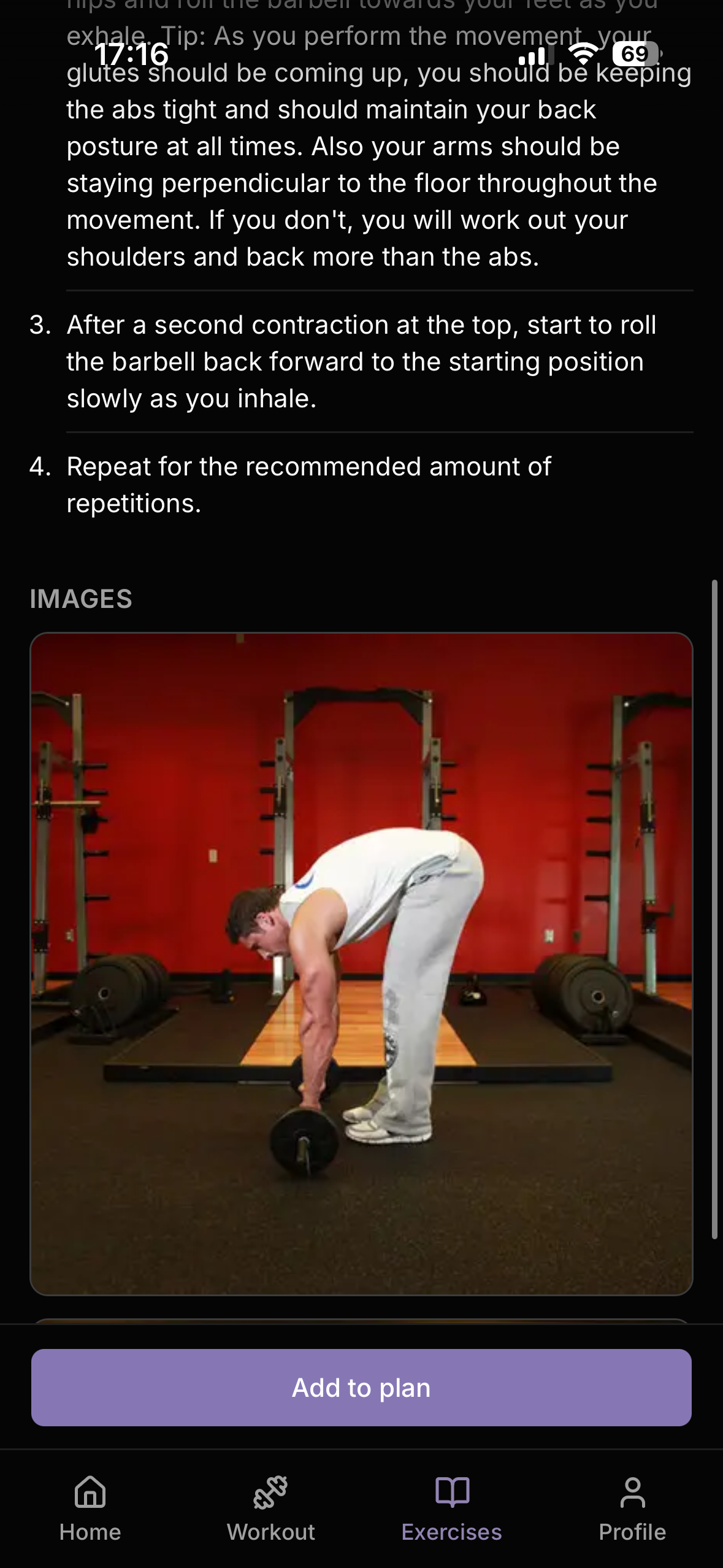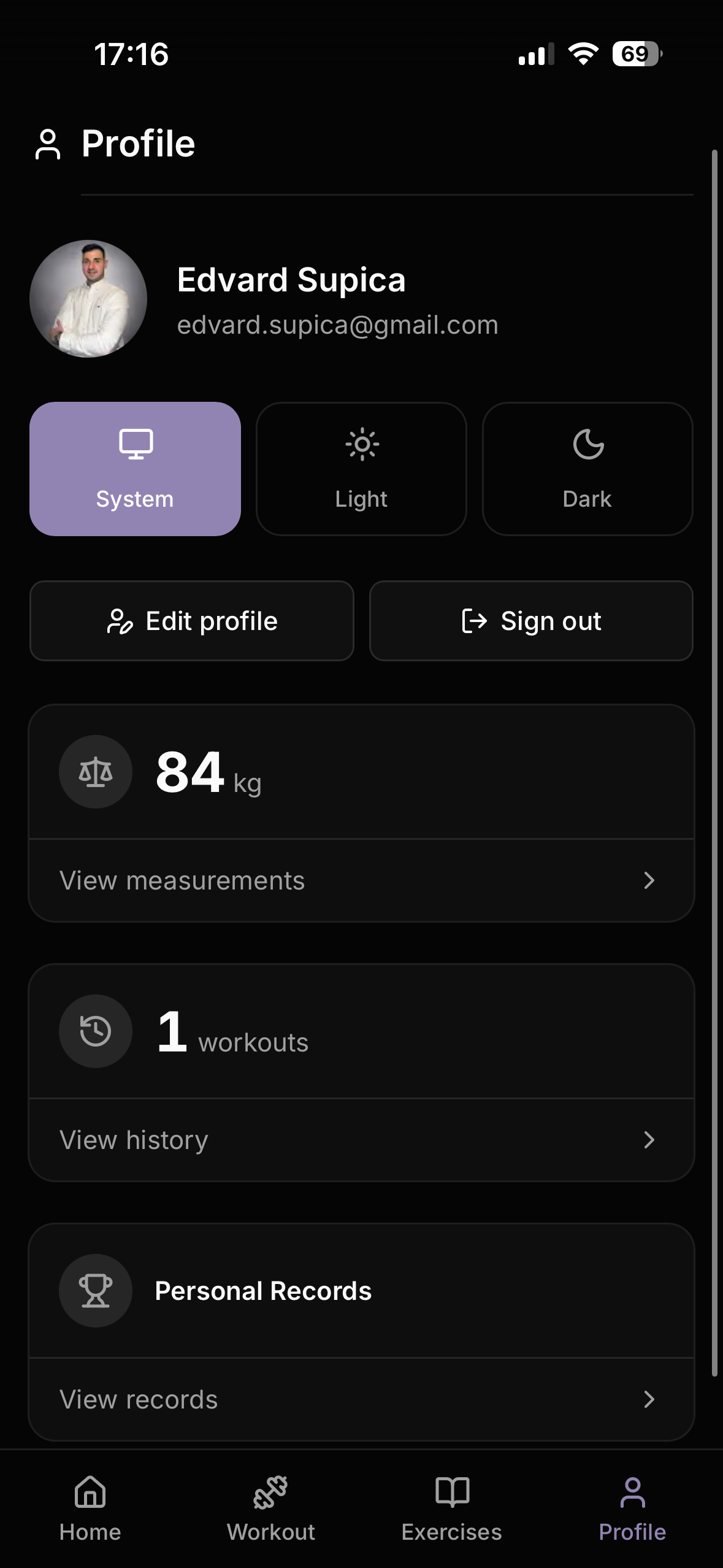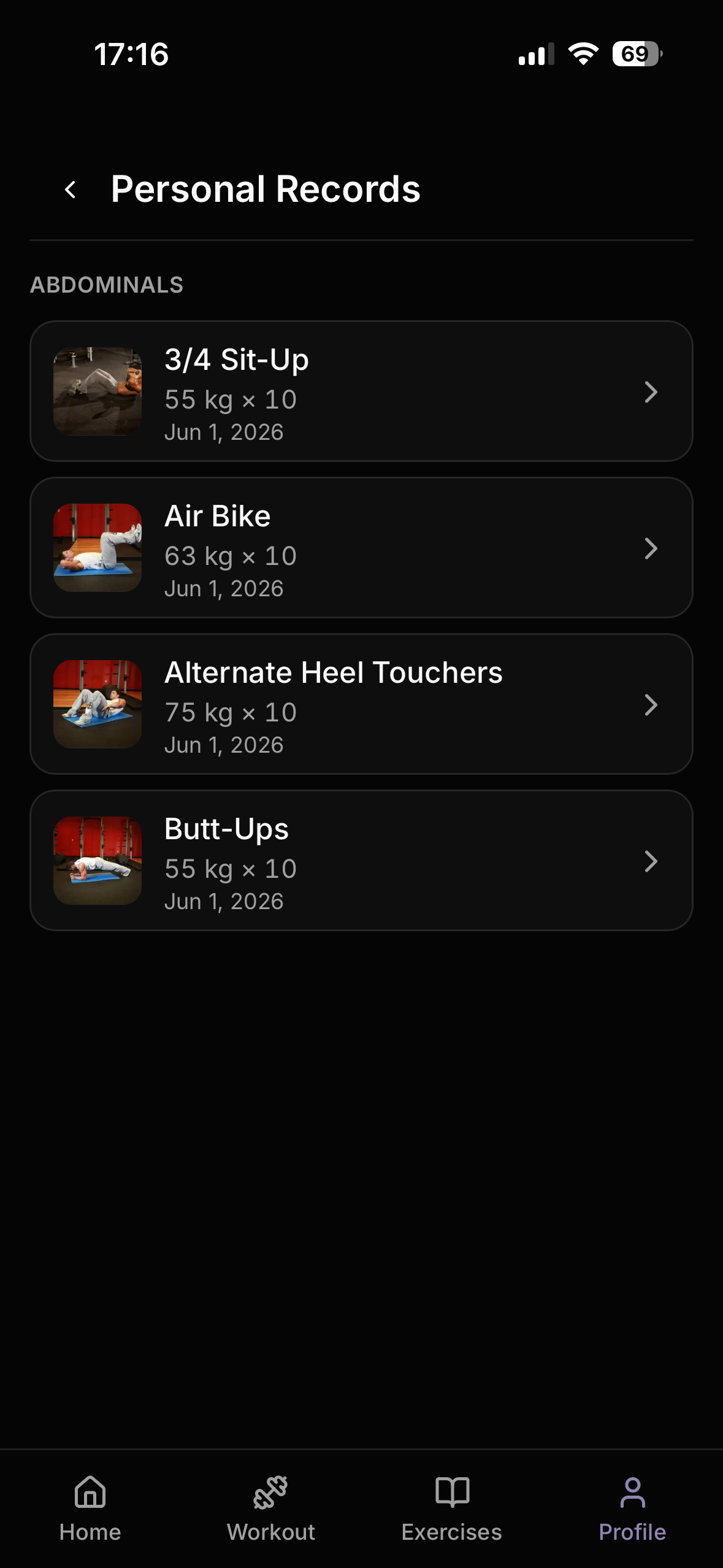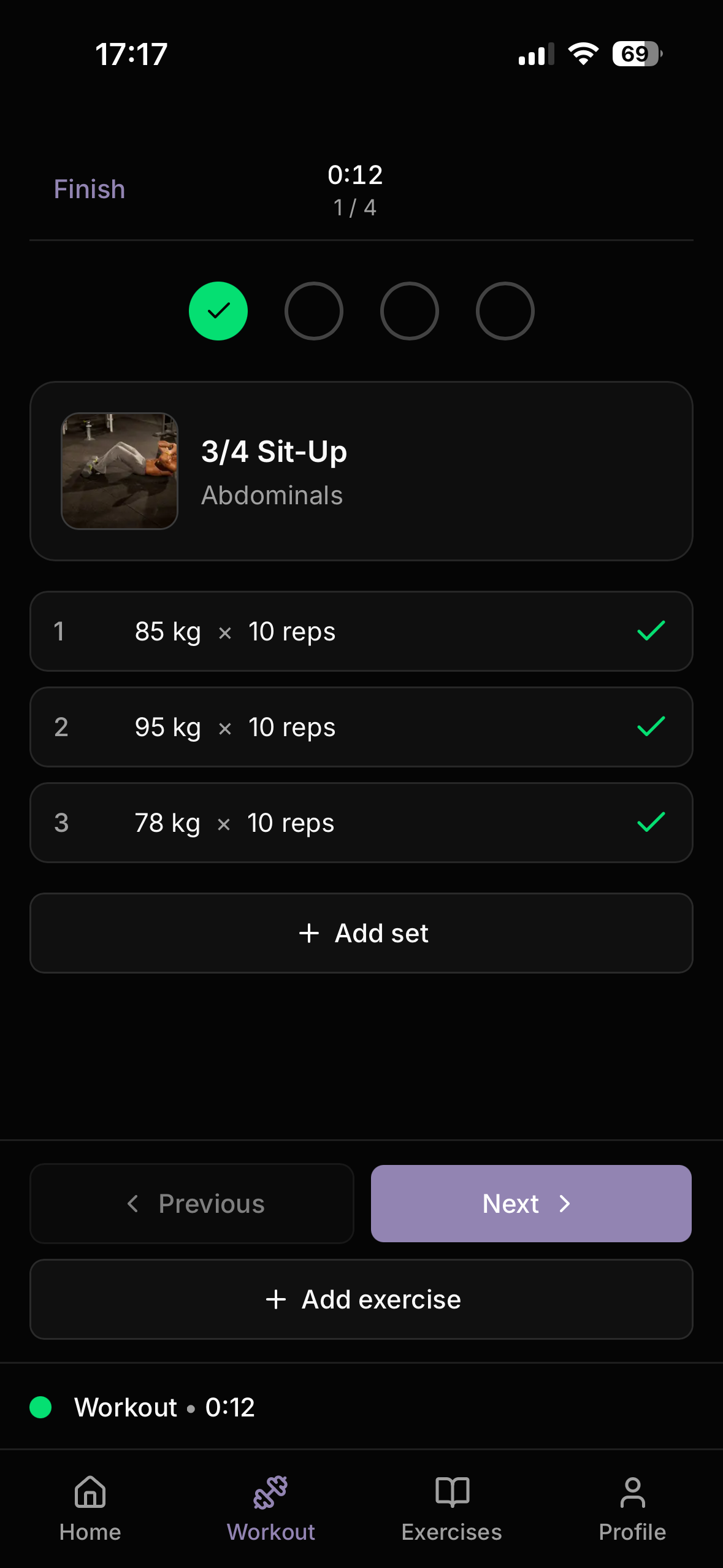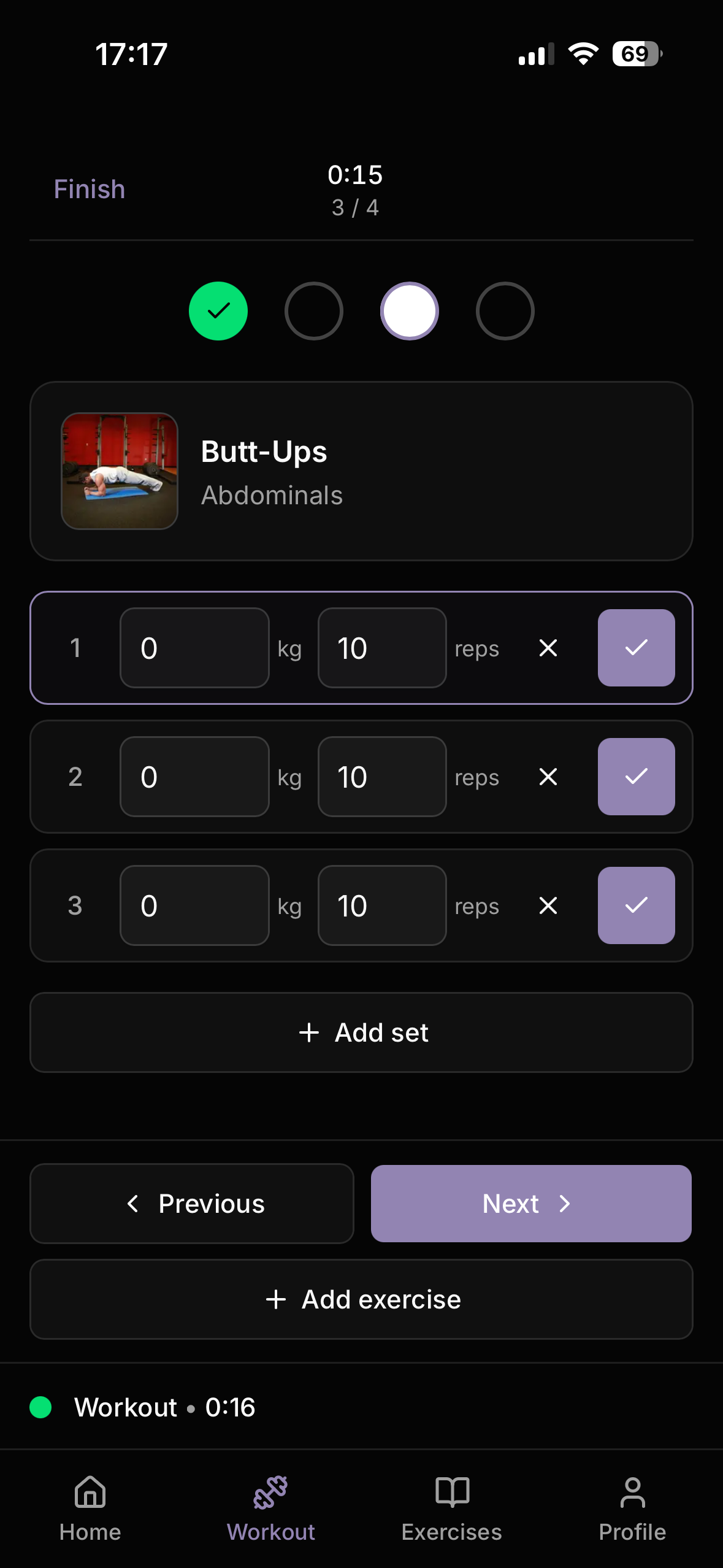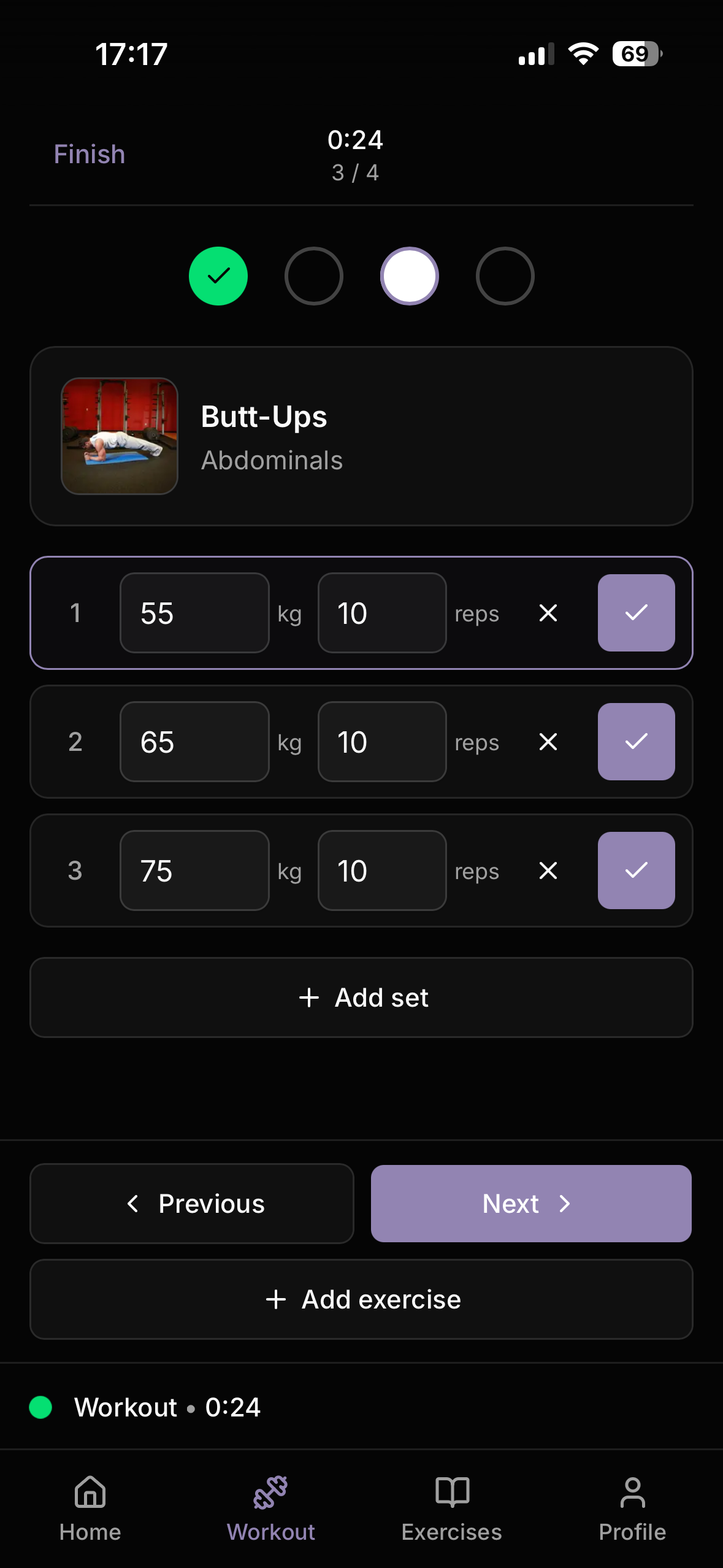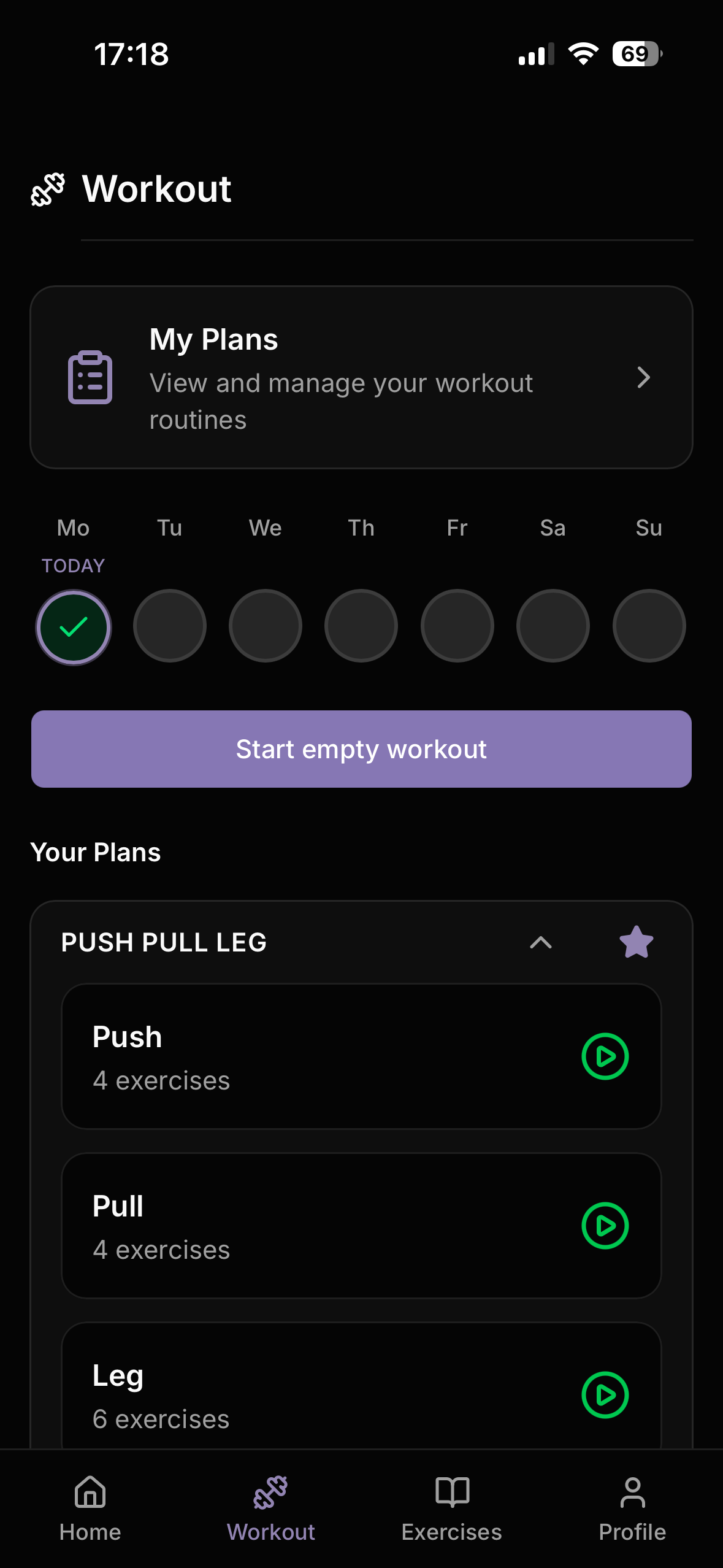









Gymlog22 is a production-deployed progressive web app for tracking strength and cardio workouts. It covers the full training loop: building structured plans, logging sets in real time, visualising personal records and body weight trends, and sharing routines with other users via QR code. The app is live at gymlog22.com, free to use, and installable on iOS and Android as a PWA. A one-time payment model may be introduced in the future, but the core feature set will remain accessible.
The Problem
Existing workout trackers are either too simple (no plan builder, no PR tracking) or too complex (subscription walls, bloated feature sets). The goal was to build a focused, mobile-first app that covers the essential workflow a gym-goer actually needs — structured plans, real-time logging, and progress visibility — without requiring a native app.
A secondary constraint: the app had to work well on a phone in a gym, which means large tap targets, minimal friction during active workouts, and the ability to navigate between exercises without losing state.
What It Does
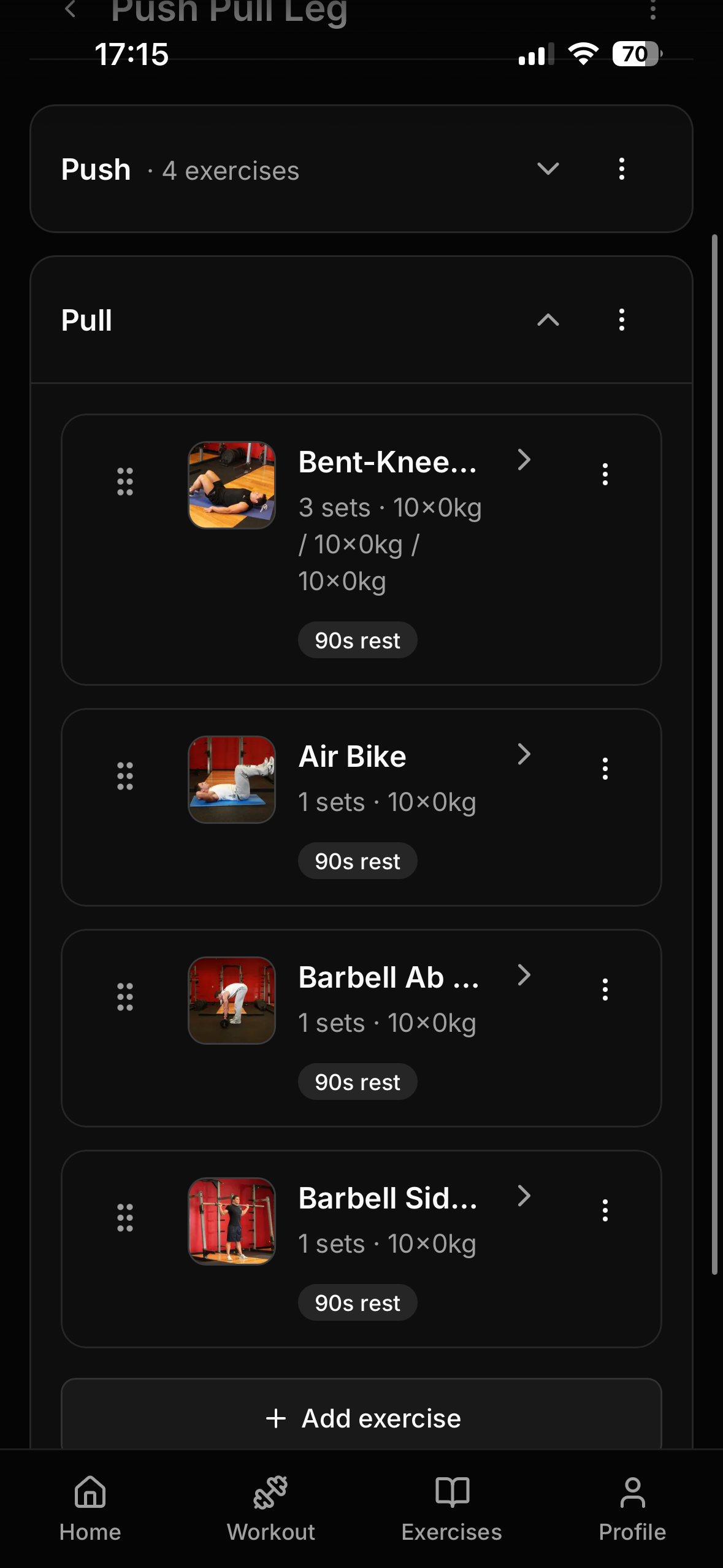
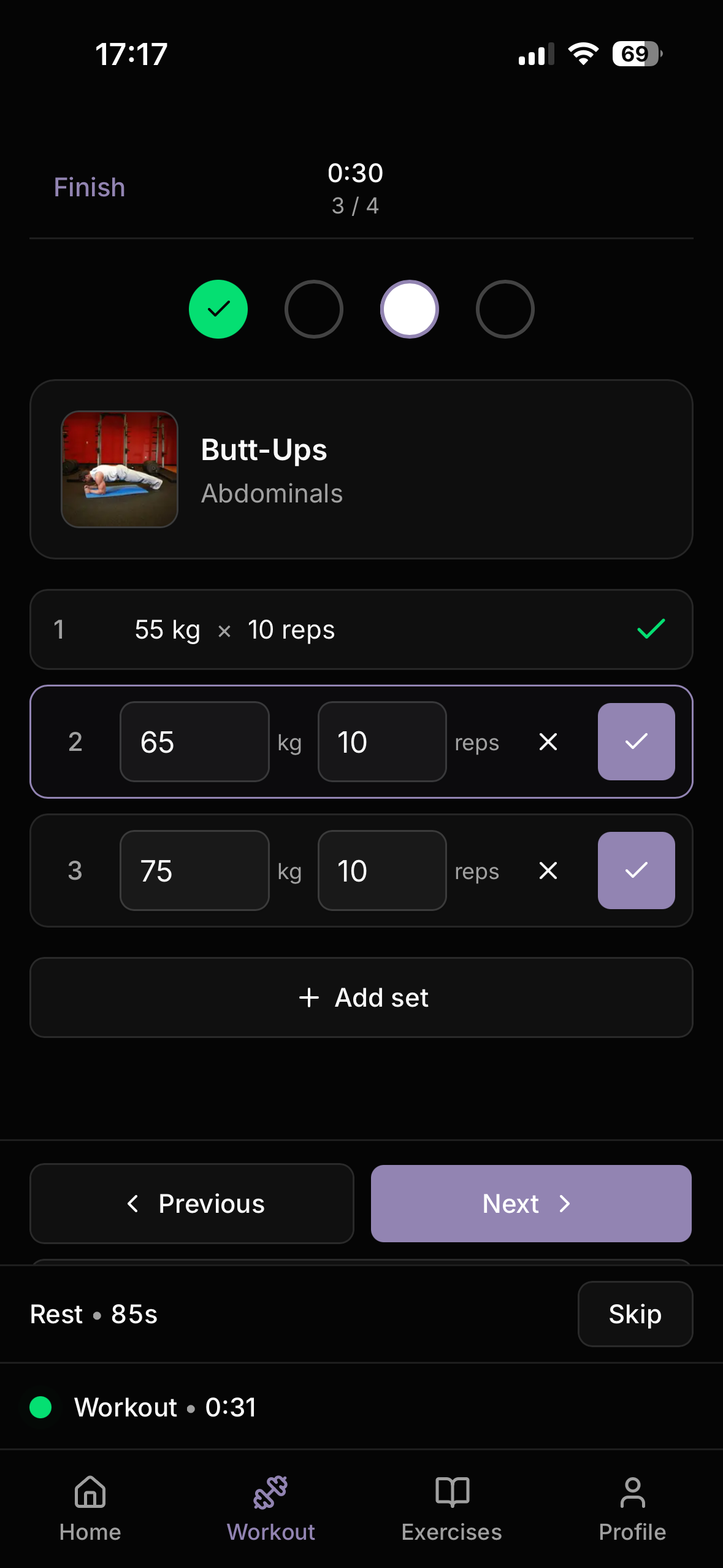
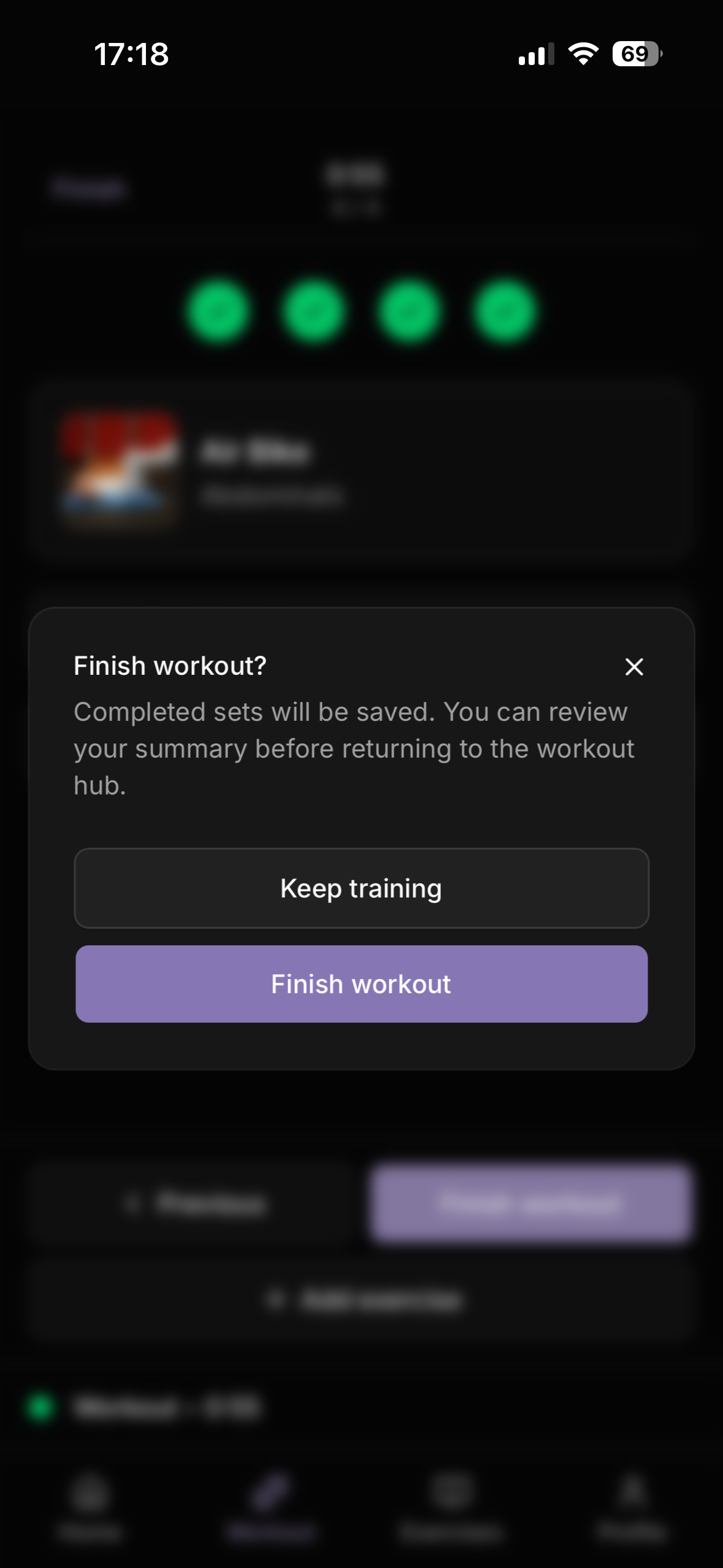
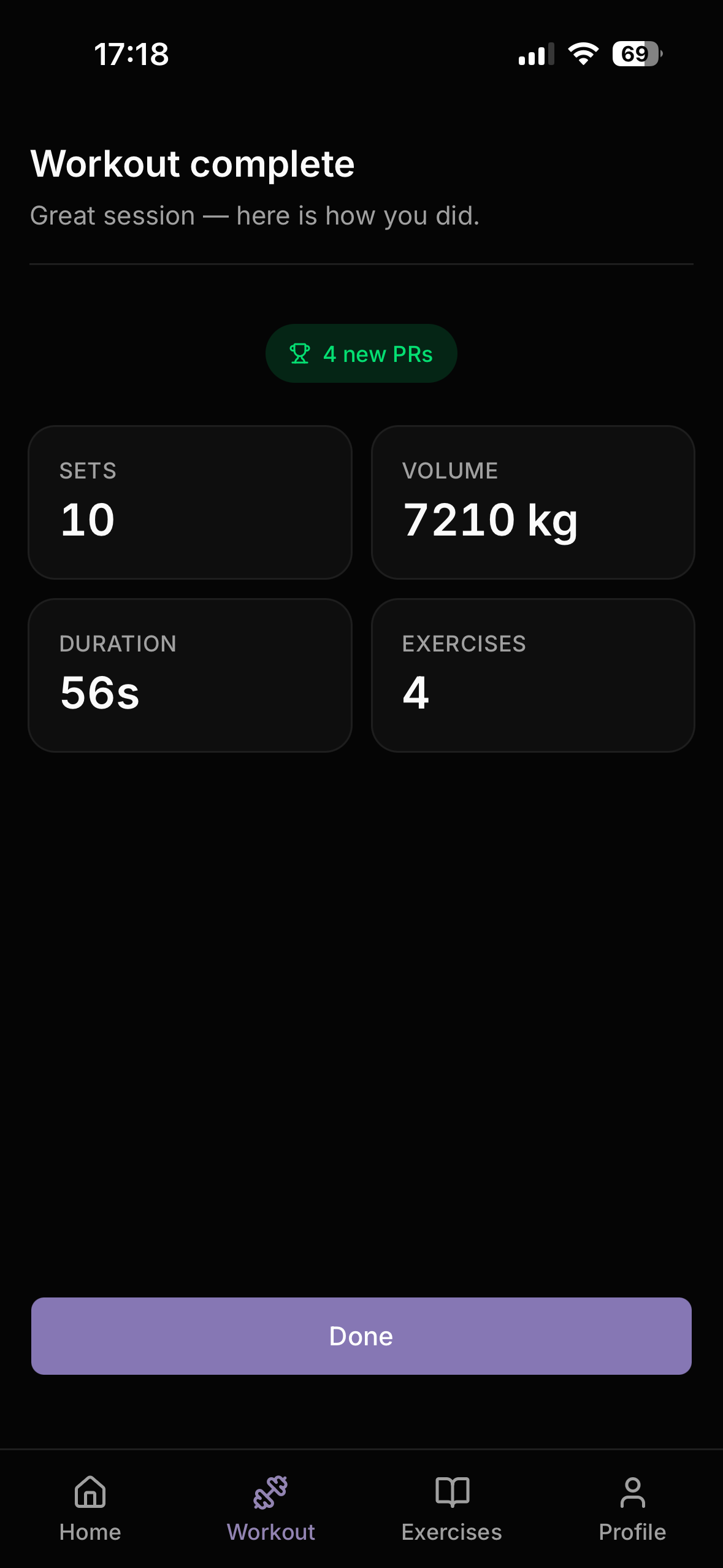
Users build workout plans composed of named days (Push, Pull, Legs) and exercises. Each exercise is configured with per-set reps, weight, and an optional rest timer. During a workout, a Zustand-backed active session tracks each set in real time — users can add sets, remove incomplete ones, navigate between exercises freely, and rest between sets with a fullscreen countdown overlay. On finish, completed sets are bulk-written to the database and personal records are upserted automatically.
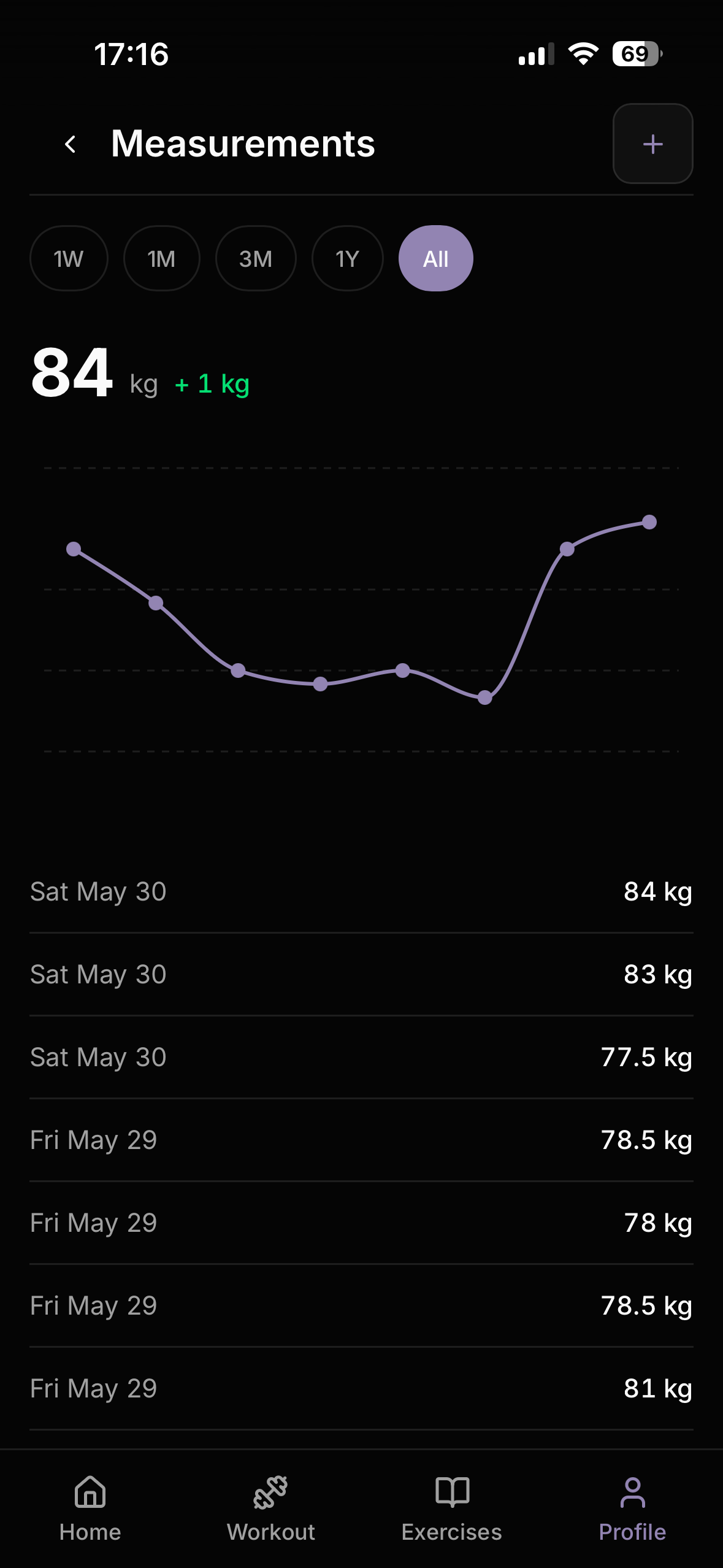
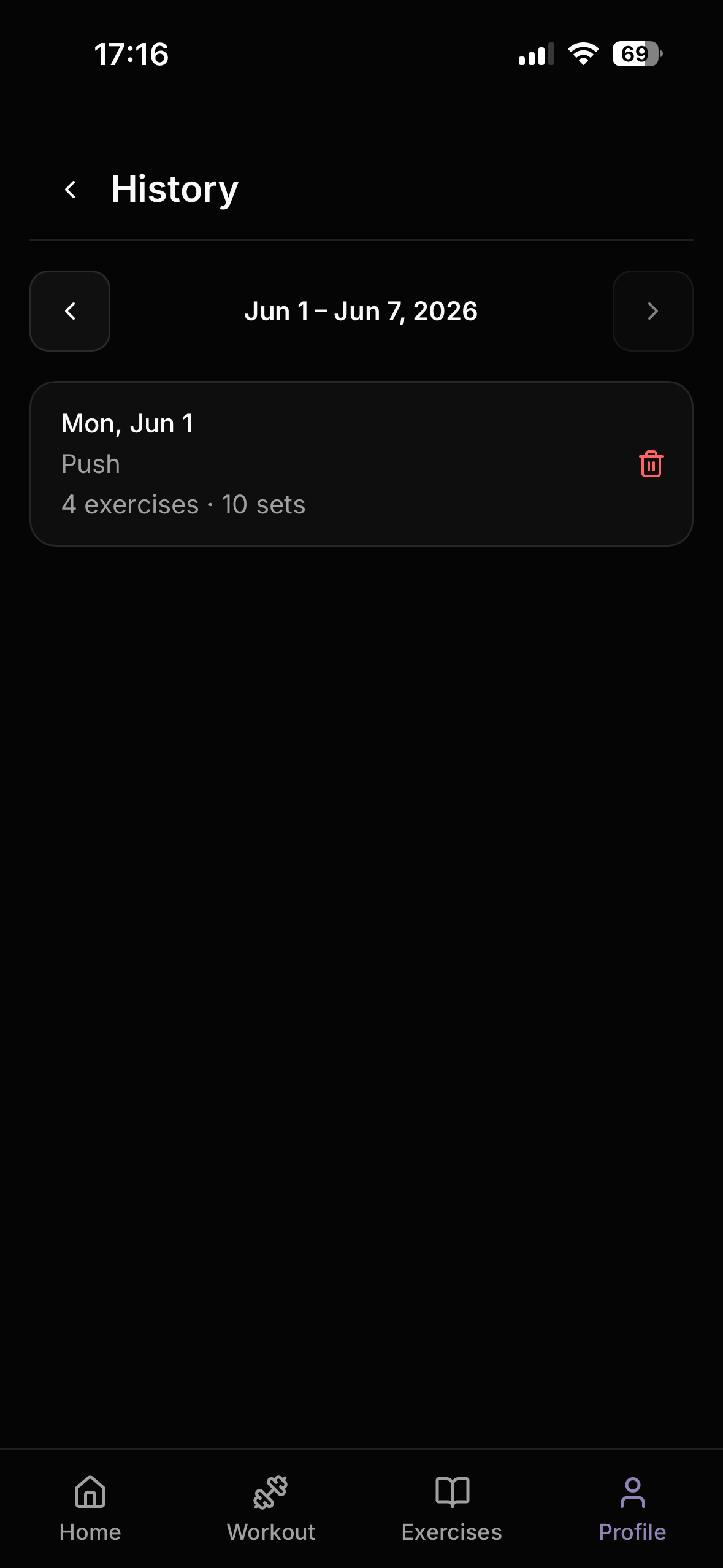
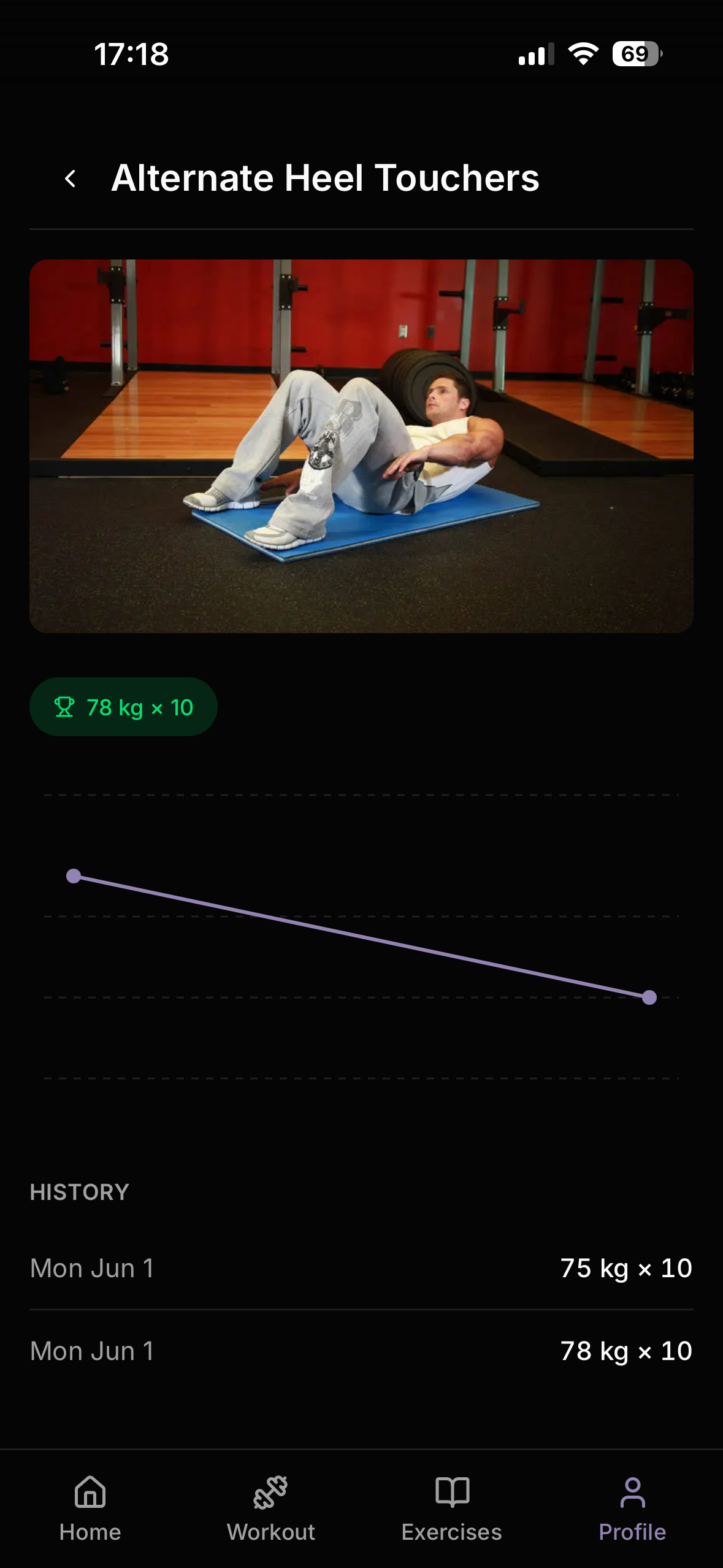
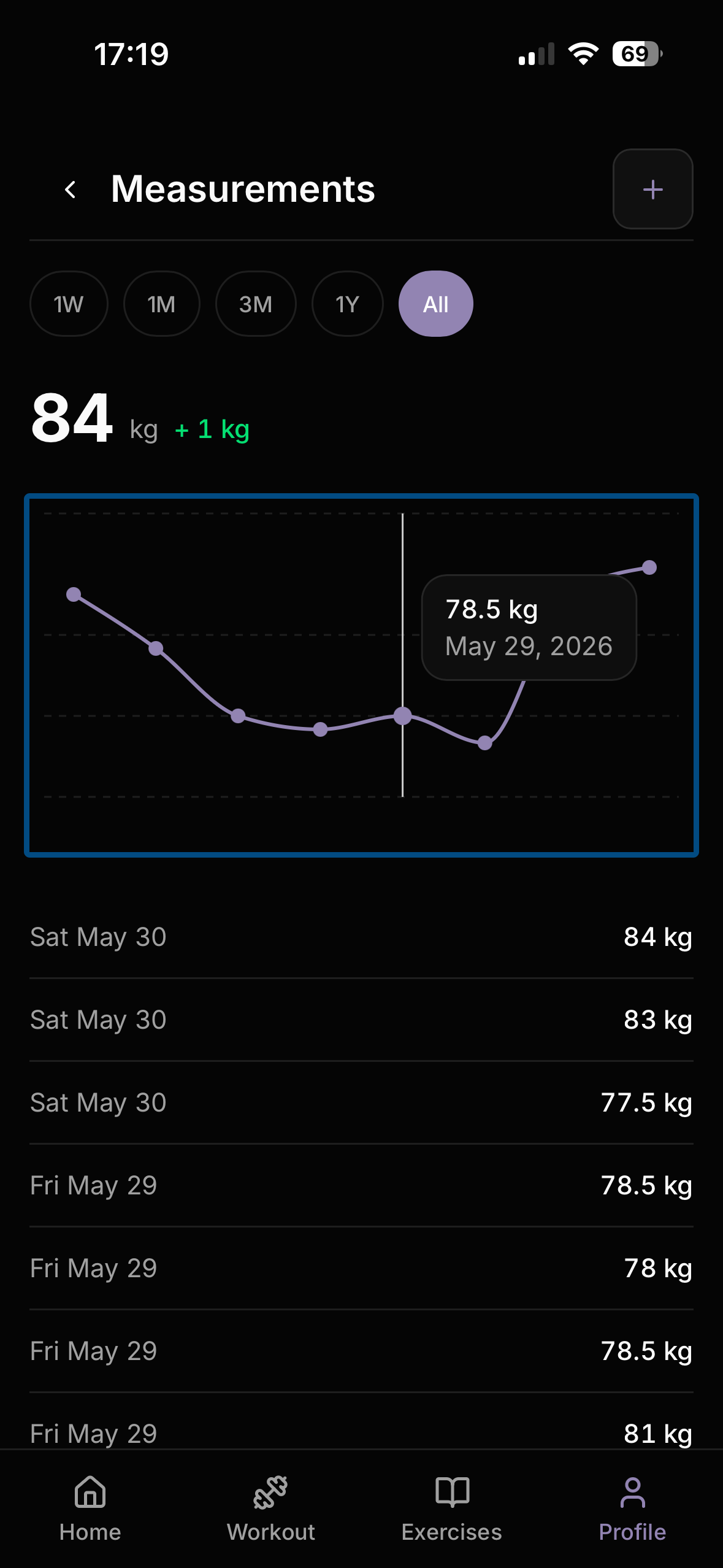
Outside the workout flow, users track body weight over time with a filterable line chart, browse personal records grouped by muscle group, and review workout history week by week with per-exercise set breakdowns and progress charts.
Architecture
Built as a Next.js 16 App Router monolith with Supabase (PostgreSQL + Auth + RLS) as the backend. Server Components handle all data fetching; Client Components are used only where interactivity is required. There is no separate API layer — server actions handle mutations directly.
app/
  (app)/           <- protected layout, auth guard, AppChrome
    dashboard/     <- stats, quick links
    workout/       <- plan selection, active workout
    exercises/     <- library with server-side search
    plans/         <- plan builder
    profile/       <- measurements, history, records
  shared/[planId]/ <- public plan preview, no auth required
  auth/callback/   <- OAuth handler
Row-level security is the primary data boundary. Every table has owner-scoped policies; public plan sharing adds a narrow is_public = true read policy for anonymous users without widening write access.
Exercise Library and Data Source
The exercise library is seeded from the open-source free-exercise-db dataset — 873 exercises across six categories: strength, cardio, stretching, plyometrics, powerlifting, and olympic weightlifting. Each exercise includes a name, step-by-step instructions, primary and secondary muscle group arrays, equipment type, difficulty level, and a set of exercise images. The dataset is distributed as JSON and fully open-source, which made it straightforward to seed directly into PostgreSQL. Images are served from the dataset’s GitHub raw URL via next/image with a configured remotePatterns entry — no separate image storage required.
Server-side filtering uses Supabase’s .ilike() for name search, .contains() for muscle group filtering (PostgreSQL array column), and .eq() for equipment. Three indexes back these queries:
-- Trigram index for partial name search
CREATE INDEX idx_exercises_name_trgm ON exercises USING gin (name gin_trgm_ops);

-- GIN index for primary_muscles array containment
CREATE INDEX idx_exercises_primary_muscles ON exercises USING gin (primary_muscles);

-- B-tree index for equipment equality
CREATE INDEX idx_exercises_equipment ON exercises (equipment);
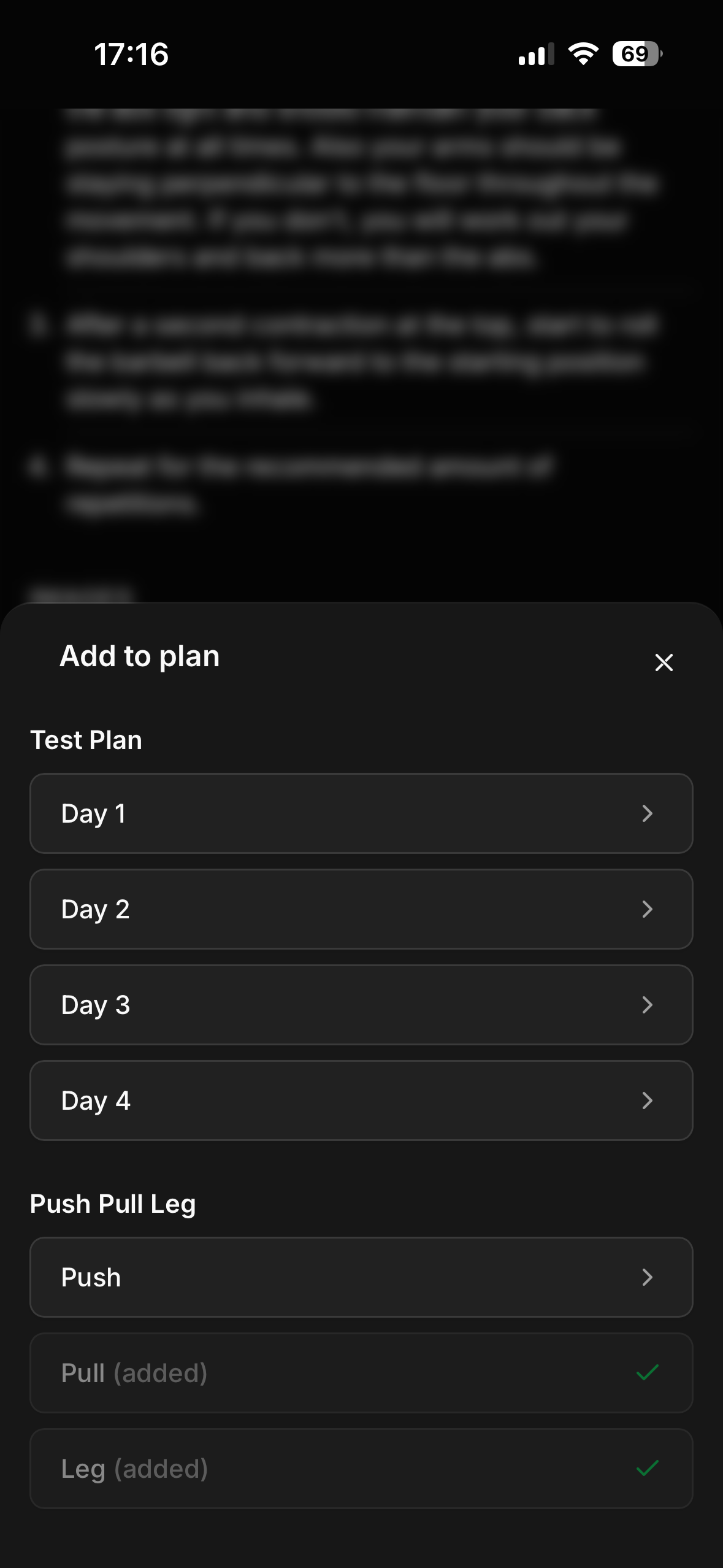
The search input debounces at 300ms. From any exercise detail page, users can tap “Add to plan” to add that exercise to a specific plan day — days already containing that exercise are shown as disabled with a check icon, preventing duplicates.
Active Workout Store
The active workout session lives entirely in a Zustand store, persisted to sessionStorage so in-progress workouts survive page refreshes. The store is never written to the database mid-session — sets are committed in bulk only on finish, which keeps write volume low and makes the logging experience feel instant.
interface WorkoutState {
  isActive: boolean
  workoutLogId: string | null
  exercises: ActiveExercise[]
  logExercises: LogExercise[]
  currentExerciseIndex: number
  restTimer: RestTimerState
  summary: WorkoutSummary | null

  startWorkout: (payload: StartWorkoutPayload) => void
  finishWorkout: (summary?: WorkoutSummary) => void
  addSet: (exerciseIndex: number) => void
  removeSet: (exerciseIndex: number, setIndex: number) => void
  updateSet: (exerciseIndex: number, setIndex: number, partial: Partial<LogSet>) => void
  completeSet: (exerciseIndex: number, setIndex: number) => void
  nextExercise: () => void
  previousExercise: () => void
  goToExercise: (index: number) => void
  startRestTimer: (seconds: number) => void
  stopRestTimer: () => void
}
intervalId is excluded from sessionStorage persistence via partialize — it is non-serialisable and cleared on rehydration. The active workout view shows progress dots above the exercise card: green with a check for fully completed exercises, primary-coloured for the current exercise, and muted for upcoming ones. Completion is set-based — a dot only turns green when every set for that exercise has been marked done, not just when the user navigates away.
Plan Builder
Plans are stored as a one-row-per-set model: each plan_exercises row represents a single set with its own reps, weight_kg, rest_seconds, and rest_enabled. The UI groups consecutive rows with the same exercise_id into one block using groupConsecutivePlanExercises.
export function groupConsecutivePlanExercises(
  rows: PlanExerciseRow[],
): GroupedPlanExercise[] {
  const sorted = [...rows].sort((a, b) => a.order_index - b.order_index);
  // merge consecutive rows with matching exercise_id and order_index === prev + 1
}
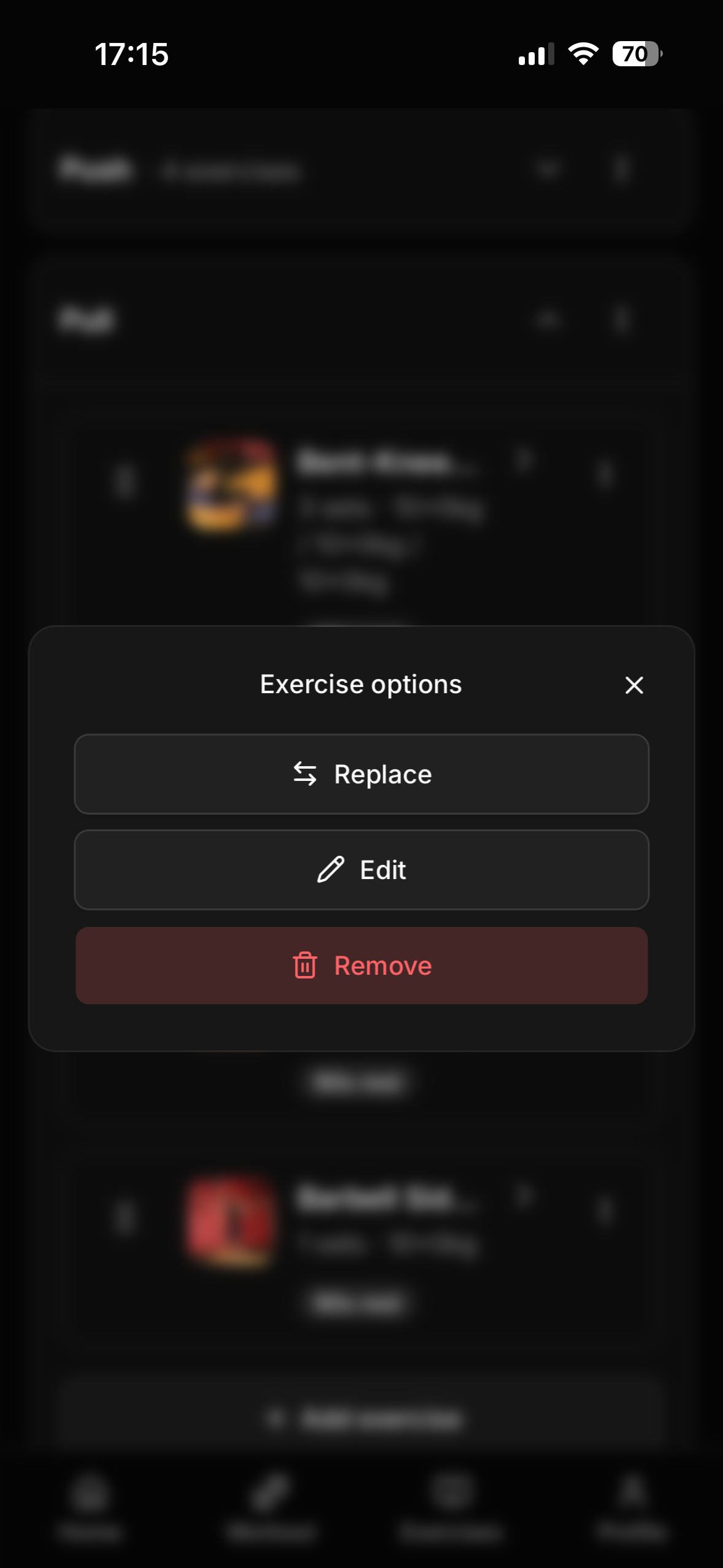
This model allows per-set weight and rep configuration while keeping the data schema flat. A key invariant is that order_index values must remain strictly sequential within a day — gaps break the grouping logic. All mutations (add, update, replace, reorder) call normalizeOrderIndexes after completing their block-level operation to ensure no gaps exist.
The plan builder discovered a subtle ordering bug: when editing a set block from N to M sets where M > N, inserting at baseOrderIndex without shifting downstream rows created collisions. The fix shifts all rows with order_index >= baseOrderIndex + oldBlockSize by +delta before inserting, then normalizes as cleanup.
async function shiftDownstreamOrderIndexes(
  supabase,
  planDayId: string,
  fromIndex: number,
  delta: number,
): Promise<{ error: string } | void> {
  if (delta <= 0) return;
  // UPDATE plan_exercises SET order_index = order_index + delta
  // WHERE plan_day_id = planDayId AND order_index >= fromIndex
  // ORDER BY order_index DESC  <- descending to avoid temporary collisions
}
Drag-and-drop reordering within a day uses dnd-kit with a PointerSensor (8px activation distance to avoid interfering with scroll on mobile) and optimistic UI — the list updates immediately on drag end, with a revert on server error. Each plan day is collapsible, showing the exercise count in the header when collapsed.
Plan Sharing
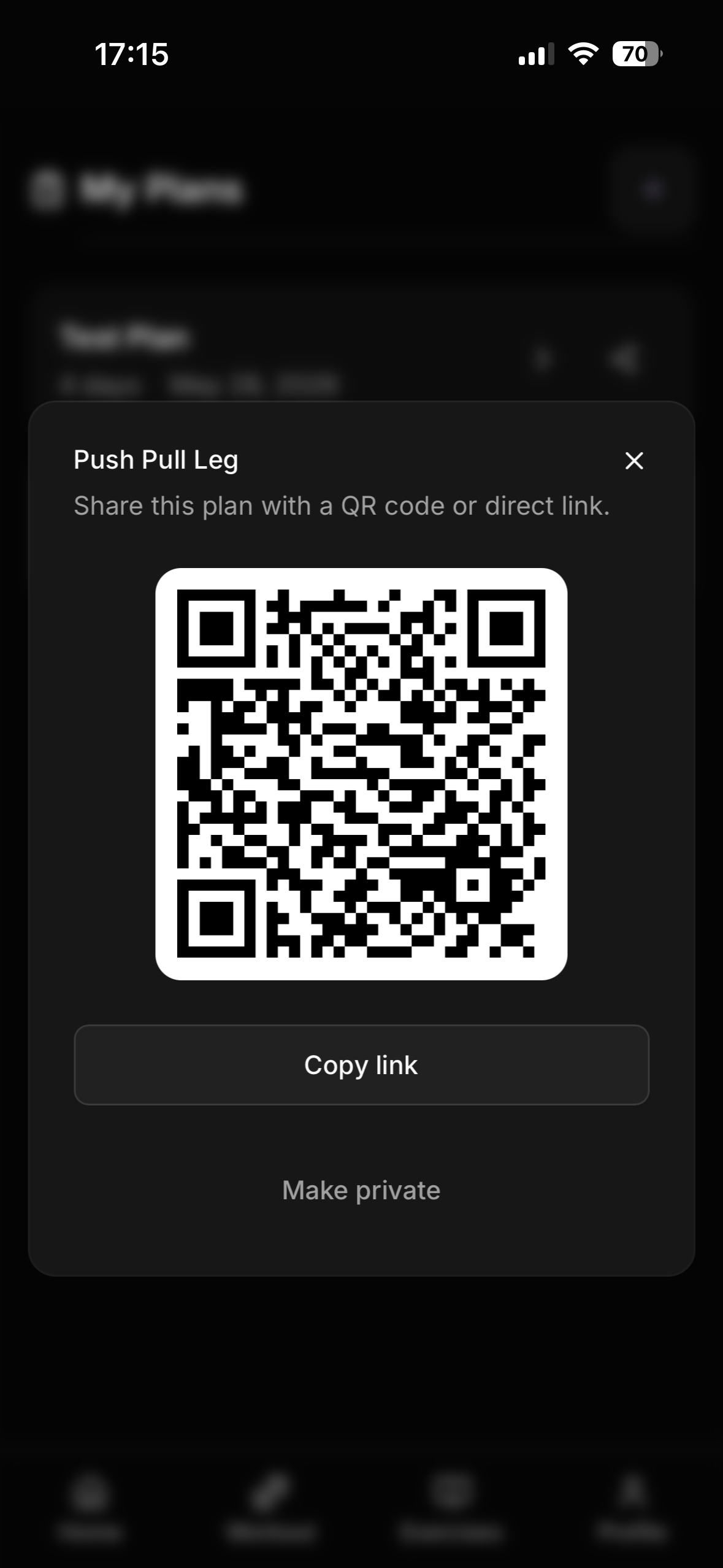
Plans can be shared via QR code or a direct link. The share dialog is opened explicitly — the plan is not published until the user taps “Share plan”, which calls makePublicPlan with ownership verification. The dialog then shows a QR code (generated with qrcode.react) and a copy-link button. If the user changes their mind, a “Make private” button calls makePrivatePlan and revokes public access without deleting the plan.
The /shared/[planId] route bypasses the auth middleware entirely and uses an anonymous Supabase client, so anyone with the link can preview the plan without an account.
-- Authenticated users see own plans + public plans
CREATE POLICY "Authenticated users can view own or public plans"
  ON workout_plans FOR SELECT TO authenticated
  USING (user_id = auth.uid() OR is_public = true);

-- Anonymous users see only public plans
CREATE POLICY "Anonymous users can view public plans"
  ON workout_plans FOR SELECT TO anon
  USING (is_public = true);
When an authenticated user imports a shared plan, the server checks for a name conflict and returns { needsRename: true, suggestedName: "... (imported)" } if one exists, prompting the user to rename before completing the import.
Personal Records
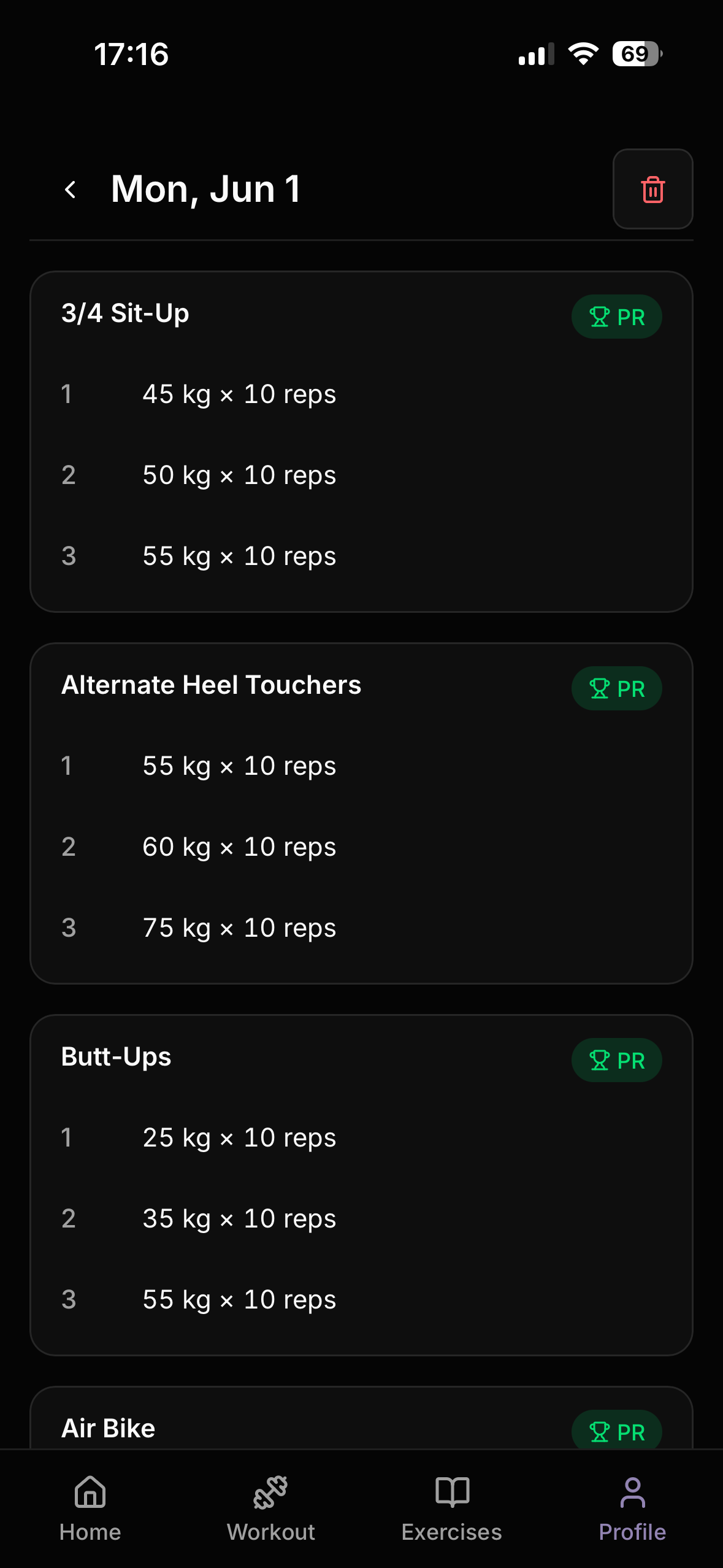
PR tracking runs on every workout finish. For each exercise with completed sets, the server computes the best set by weight (tie-broken by reps) and upserts personal_records only when the new best beats the existing record.
function isBetterSet(
  weightKg: number, reps: number,
  existingWeightKg: number, existingReps: number,
): boolean {
  if (weightKg > existingWeightKg) return true;
  return weightKg === existingWeightKg && reps > existingReps;
}
Duration sets (cardio exercises stored with duration_seconds) are excluded from PR logic. When a workout is deleted, the affected exercises are recalculated against the remaining log_sets — the PR is updated to the next best set, or deleted entirely if no qualifying sets remain. This prevents orphaned PR records when test or accidental workouts are removed.
Workout History and Exercise Progress
Workout history is navigated week by week using URL params (?week=yyyy-MM-dd). Each workout row links to a detail page showing every exercise with its logged sets, a PR badge where applicable, and a delete button that triggers PR recalculation on the server.
The per-exercise progress page charts the best set per session as a line chart using Recharts. Sessions are keyed by workout_log_id rather than date so two workouts on the same calendar day both appear as distinct points. Chart data is sorted by workout_logs.created_at to preserve chronological order within the same day.
// session map keyed by workout_log_id, not date
const sessionMap = new Map<string, { date: string; weightKg: number; reps: number }>()

for (const row of logExercises) {
  const logId = getWorkoutLogId(row.workout_logs)
  const date = getWorkoutDate(row.workout_logs)
  // find best set for this session, store under logId
}
Body Weight Tracking
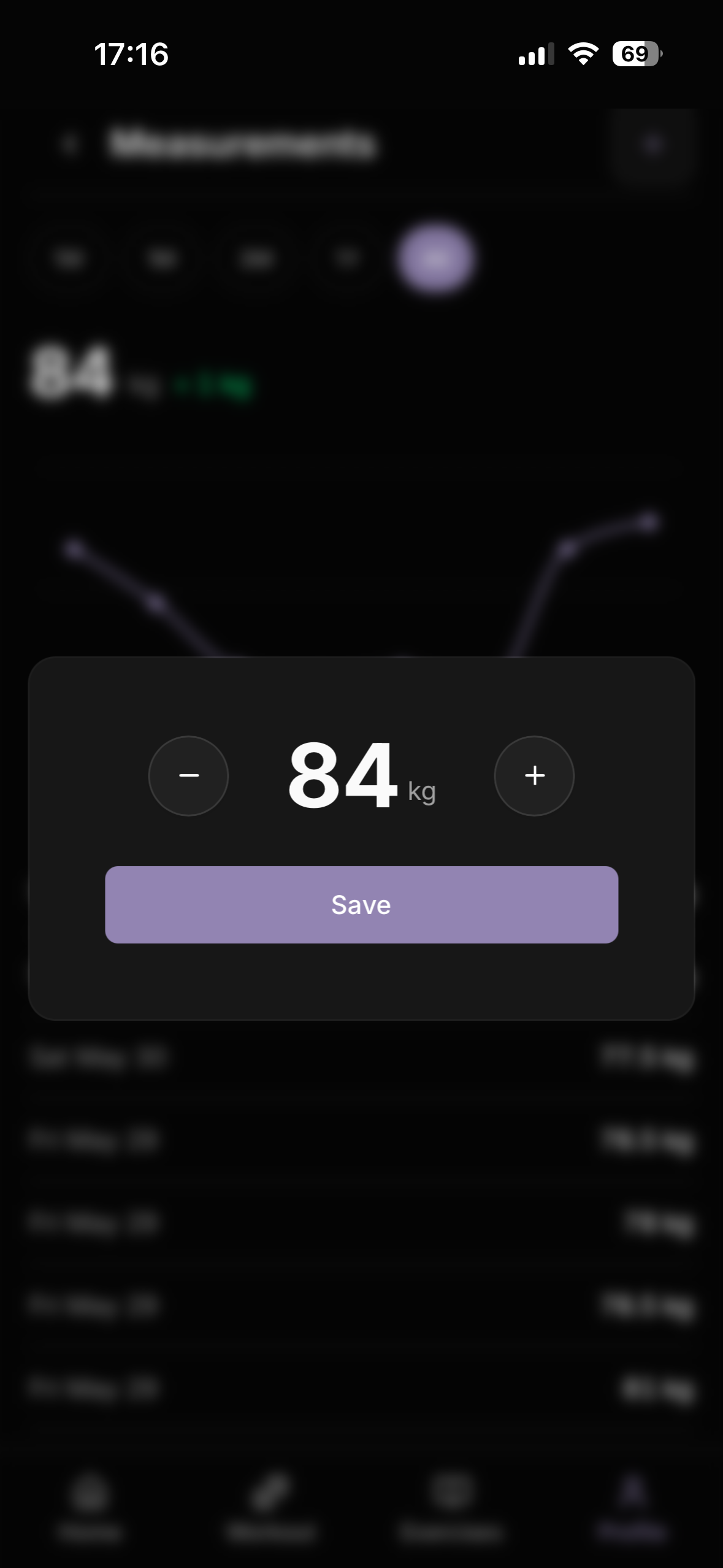
Body weight is tracked in a separate body_weight_logs table. The profile stores an immutable weight_kg from onboarding as the all-time baseline; subsequent logs never update it. The measurements page builds chart data by combining the baseline point with all logs, ensuring the chart always has at least two points when any log exists.
Trend calculation differs by time period:
- All — baseline
profiles.weight_kgvs latest log - 1W / 1M / 3M / 1Y — earliest combined point within the period vs latest point
The chart uses Recharts with a composite id field (ISO timestamp + index) as the XAxis dataKey to avoid Recharts collapsing same-day entries into a single category.
Duration Mode
Cardio exercises support a duration mode alongside the standard reps/weight mode. Each set row in the plan builder has a Reps | Min pill toggle. In duration mode, the weight input is hidden and a minutes input is shown instead; the value is stored as duration_seconds in the database.
if (row.is_duration) {
  return {
    duration_seconds: row.duration_minutes * 60,
    reps: 0,
    weight_kg: 0,
  };
}
During active workouts, duration sets show a minutes input with no kg or reps fields. On finish, duration sets are excluded from volume totals and PR calculations. History and exercise progress pages display duration sets as “30 min” rather than “0 kg x 0 reps”.
Rest Timer
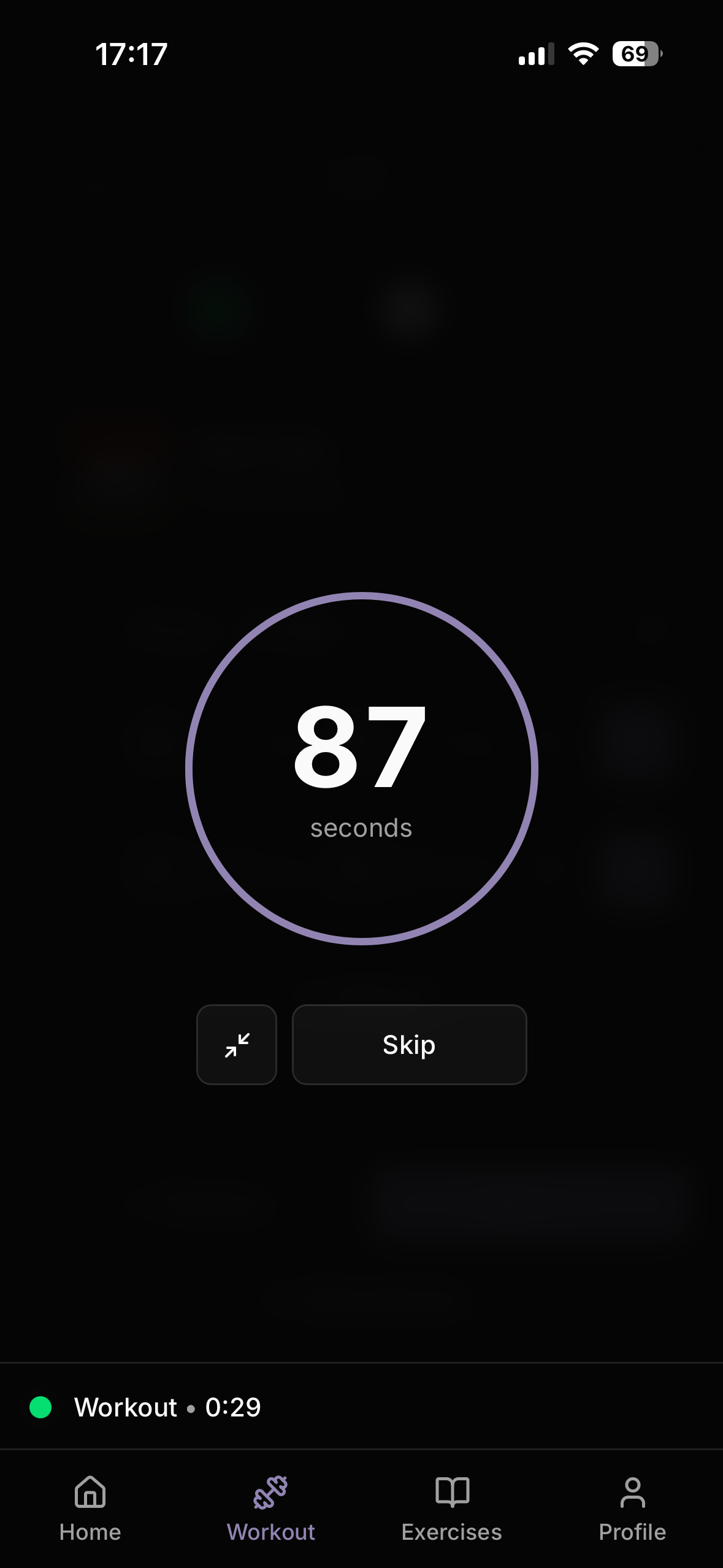
The rest timer runs as a fullscreen overlay after each completed set when rest_enabled is true. It can be minimised to a compact bar that floats above the active workout bar, visible across all routes via AppChrome. Tapping the bar restores the fullscreen countdown.
The timer is driven by a useEffect interval in the RestTimer component rather than a store-side setInterval — this avoids storing a non-serialisable intervalId in Zustand state and makes the timer lifecycle safe to mount and unmount independently of the workout session.
Dashboard
The dashboard shows four stats computed in parallel on the server: workouts this week, current streak (consecutive days with a workout, capped at 365 days), total workouts all time, and total volume (all-time sum of weight_kg * reps_done across all log sets). Quick links provide one-tap access to Start Workout, My Plans, History, Measurements, and Records. The greeting uses the client’s local timezone via a small client component to avoid SSR/hydration mismatches.
Preset Plans
The app ships with five built-in workout programs that users can import into their own plan list with one tap: StrongLifts 5x5, Push/Pull/Legs, Upper/Lower Split, Glute & Leg Focus, and Full Body Beginner. Each preset is stored in a preset_plans table with a plan_data jsonb column containing the full day and exercise structure.
Exercise references in the preset JSON use free-exercise-db slugs (e.g. Barbell_Squat) rather than database UUIDs. On import, a resolveExerciseSlugs helper resolves slugs to UUIDs by matching against the first image path stored on each exercise row (images[0].split('/')[0]). If any slug fails to resolve, the import returns an error listing the missing exercises.
The import flow mirrors shared plan importing — duplicate name detection returns { needsRename: true } and prompts the user to rename before completing. Set expansion converts each preset exercise (e.g. sets: 5) into five individual plan_exercises rows (sets: 1 each), matching the one-row-per-set model used throughout the app.
Preset plans are publicly readable (anon + authenticated RLS SELECT policy) and seeded via npm run seed:preset-plans. Each plan has a 512×512 thumbnail stored in /public/preset-plans/ and displayed in a horizontal scroll row on the workout page.
Database Design
workout_plans       -- user's named plans, is_public, is_favorite
plan_days           -- named days within a plan, order_index
plan_exercises      -- one row per set, reps/weight/rest/duration, order_index
workout_logs        -- one row per session, date (client local), plan_day_id
log_exercises       -- one row per exercise per session
log_sets            -- completed sets, weight_kg, reps_done, duration_seconds
personal_records    -- best set per user+exercise, unique index
body_weight_logs    -- timestamped weight entries
profiles            -- onboarding data, baseline weight, avatar
Key indexes:
CREATE INDEX idx_workout_logs_user_date ON workout_logs(user_id, date);
CREATE UNIQUE INDEX idx_personal_records_user_exercise ON personal_records(user_id, exercise_id);
CREATE INDEX idx_exercises_name_trgm ON exercises USING gin (name gin_trgm_ops);
CREATE INDEX idx_exercises_primary_muscles ON exercises USING gin (primary_muscles);
PWA
The app registers a service worker in production that caches Next.js static assets and exercise images. Supabase REST API calls are explicitly excluded from caching — auth and data requests always go to the network. Icons are provided at 192x192 and 512x512 with both any and maskable purpose entries for broad Android and Chrome install compatibility.
Deployment
Deployed on Vercel with Supabase (managed PostgreSQL, Auth). DNS is managed through Cloudflare with DNS-only CNAME records pointing to Vercel. Google OAuth is configured for the production domain with the Supabase callback URL as the redirect URI. The app is currently free to use; a one-time payment model may be introduced in the future without removing access to core functionality.