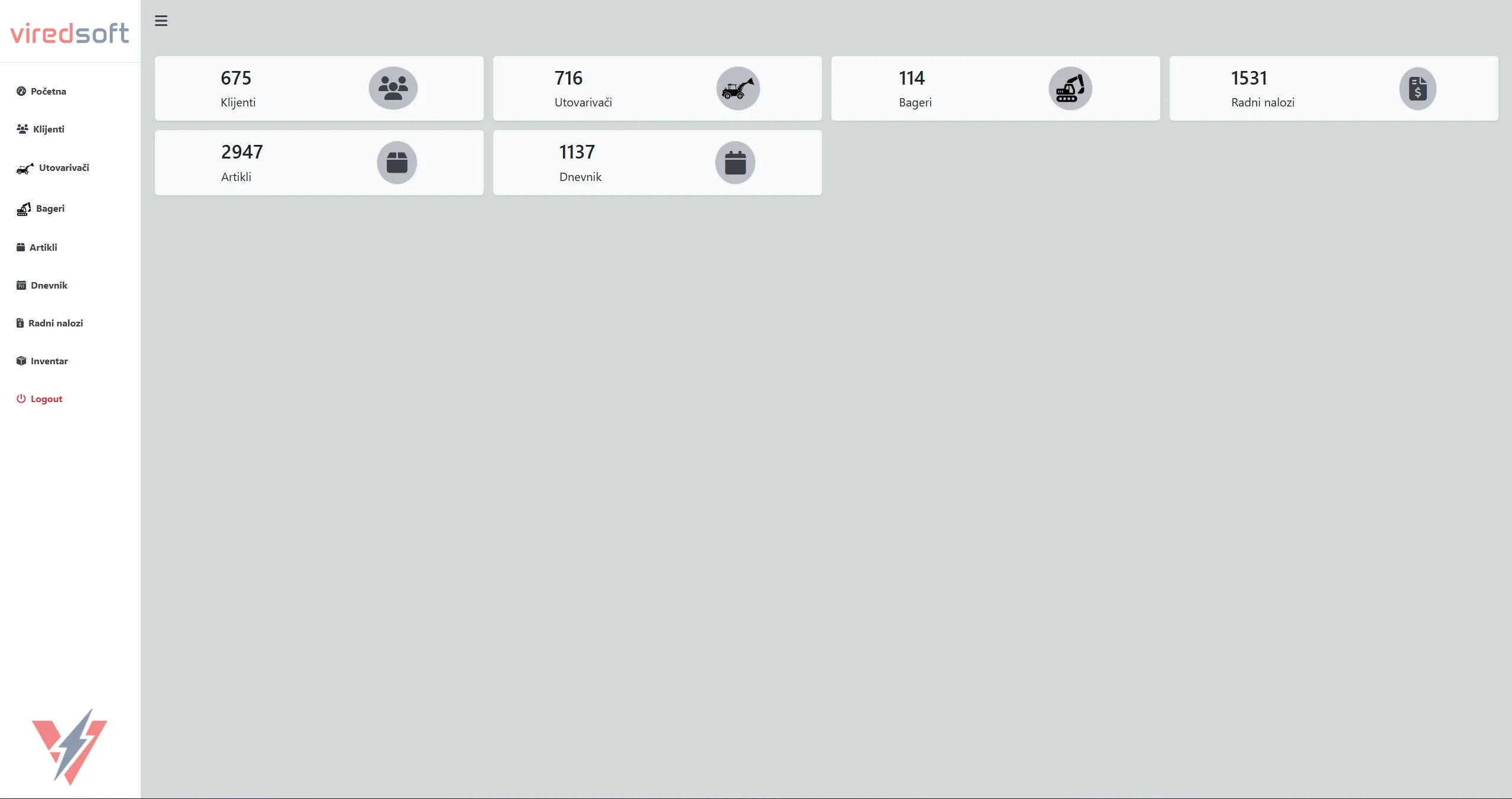




Before introducing a structured internal system, customer records, machine data, service workbooks, and inventory tracking were handled across spreadsheets, paper documents, and disconnected tools. Service history was difficult to search, machine photos were stored separately, and technicians often relied on manual processes to locate past repairs or issued spare parts.
This project centralized the entire workflow into a single browser-based CRM platform used inside a heavy machinery service company.
The Problem
The business needed a unified system for managing customers, loaders, excavators, workbooks, service history, inventory, and image documentation. Existing processes depended heavily on manual data entry and disconnected files, which made tracking repairs, spare part usage, and machine history inefficient.
There was also no centralized way to:
- link service records to machines
- attach documentation and photos
- track workbook line items
- manage inventory movements
- separate administrative and employee permissions
What It Does
The CRM manages the operational workflow of a heavy machinery service business.
Customers and machines are stored in a shared relational database, where loaders and excavators are handled through a unified machine structure. Service workbooks contain spare part line items, technician information, and attached photos. Machines can also store PDF documentation and image galleries.
The platform includes:
- customer management
- machine fleet tracking
- workbook and repair history
- spare parts inventory
- diary/log records
- image uploads for machines and workbooks
- CSV import utilities for external ERP data
- role-based authentication for administrators and employees
The frontend is built around interactive DataTables with AJAX-powered CRUD operations. Most actions happen without full page reloads, keeping the workflow fast for internal users handling large datasets daily.
Architecture
The application is built as a classic server-rendered PHP system using modular include files and shared backend utilities.
Each major screen is represented by its own PHP page, while reusable backend logic lives inside the inc/ and ajax/ directories. Database access is handled through shared mysqli helper functions, while frontend interactions rely on jQuery, Bootstrap 5, and DataTables.
Authentication is session-based, with shared access control helpers protecting administrative routes and AJAX endpoints.
Key Technical Decisions
Unified machine model — loaders and excavators are stored in the same machines table and separated by a type flag. This simplified reporting, workbook relations, and shared machine logic while still allowing different UI sections for each category.
if ($row['dummy'] == 1) {
    // Loader
} else {
    // Excavator
}
AJAX-driven DataTables — all major modules use server-side DataTables integration powered by custom AJAX endpoints. Table rows are generated dynamically in PHP and returned as JSON responses, allowing efficient pagination and filtering even with large datasets.
Shared CRUD endpoint structure — each module uses dedicated backend handlers such as clients_crud.php, machines_crud.php, and workbook_crud.php. This kept business logic separated by domain while reusing shared helper functions for inserts, updates, deletes, and sanitization.
Workbook image system — workbook and machine galleries support multiple uploaded images tied directly to service records. Images are stored on the filesystem and linked through relational database records, allowing technicians to document repairs visually.
ERP CSV imports — workbook headers, workbook detail lines, and spare part records can be imported from external ERP-generated CSV files. Dedicated import scripts process and synchronize the data into MySQL tables, allowing the CRM to integrate with existing business workflows and accounting systems.
LOAD DATA LOCAL INFILE 'csv/WbDetail.csv'
INTO TABLE wb_details
FIELDS TERMINATED BY ';'
Role-based access — administrators and employees authenticate through separate user tables with session-based authorization. Administrative users can manage inventory, edit records, and perform destructive operations, while employee access is more restricted throughout the interface.
Result
The project replaced fragmented operational workflows with a centralized internal platform capable of handling daily service operations, inventory tracking, workbook management, and machine documentation in one place.
It also became the foundation and predecessor of the later Filament-based CRM system, helping shape the business logic, workflows, and architecture used in the modern Laravel rebuild.